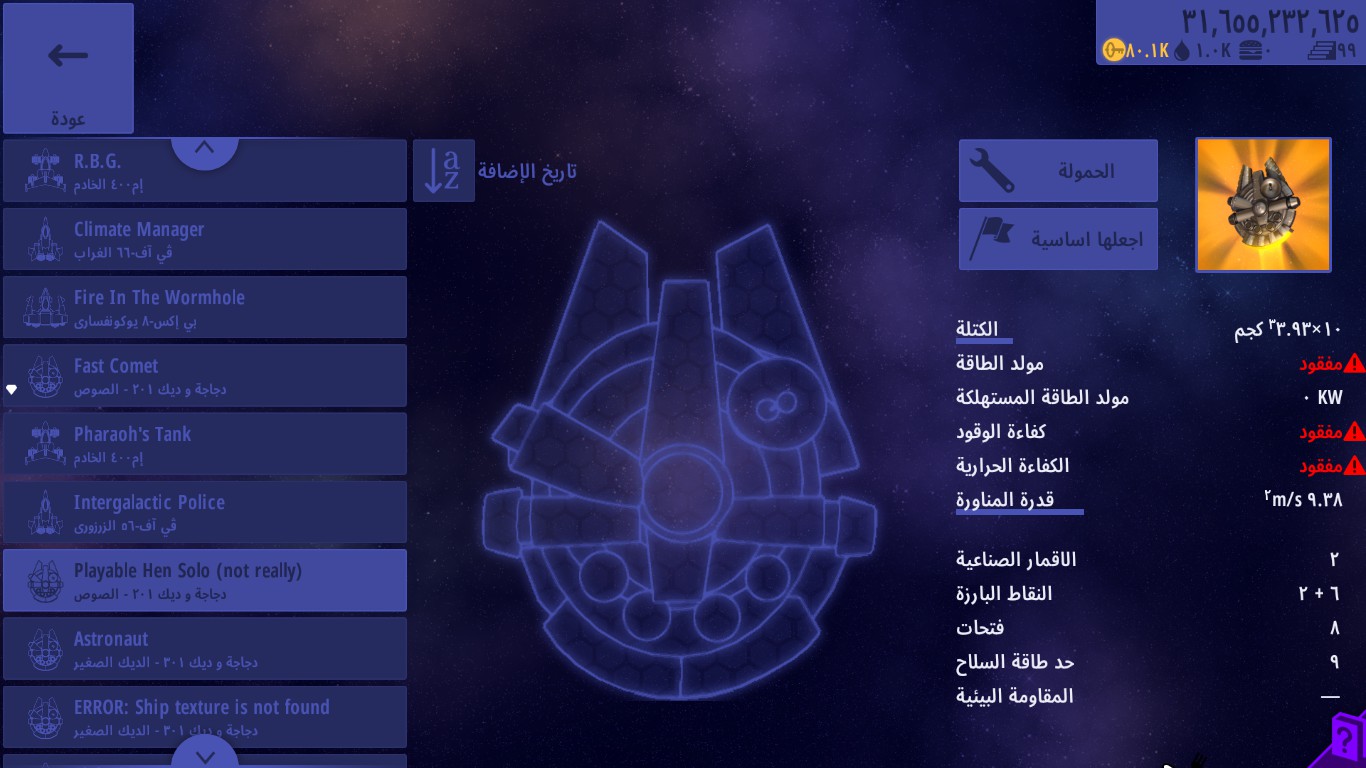
an announcement from me that those who installed this mod from me are kindly requested to remove them from their devices due to some personal reasons so i will delete this mod forever
also remove that one in your devices
regards
ZABIULLAH
an announcement from me that those who installed this mod from me are kindly requested to remove them from their devices due to some personal reasons so i will delete this mod forever
also remove that one in your devices
regards
ZABIULLAH
Lazy to show the screenshots of the other ships, I’ll keep the others as a surprise for you to download, also what made this easier is actually the ship models I made.
Didn’t expect they would be that useful in modding.
I used TGAtool and several other tools to change the format of the game’s TGA files, but unfortunately, the files wouldn’t open, nor did the format conversion work.
It depends on how did you “covert” them, if you dragged the files to the window, it won’t work.
But if you dragged it into the icon of TGAtool.
Thanks
Has anyone ever created a graphics mod? game sprites with higher graphics
The game can’t have “higher” quality assets, they have fixed sizes.
I know it
I was thinking we could increase the saturation of the sprites or tweak them to enhance the game’s detail.
Is there anything Fonts mod?
I need to update
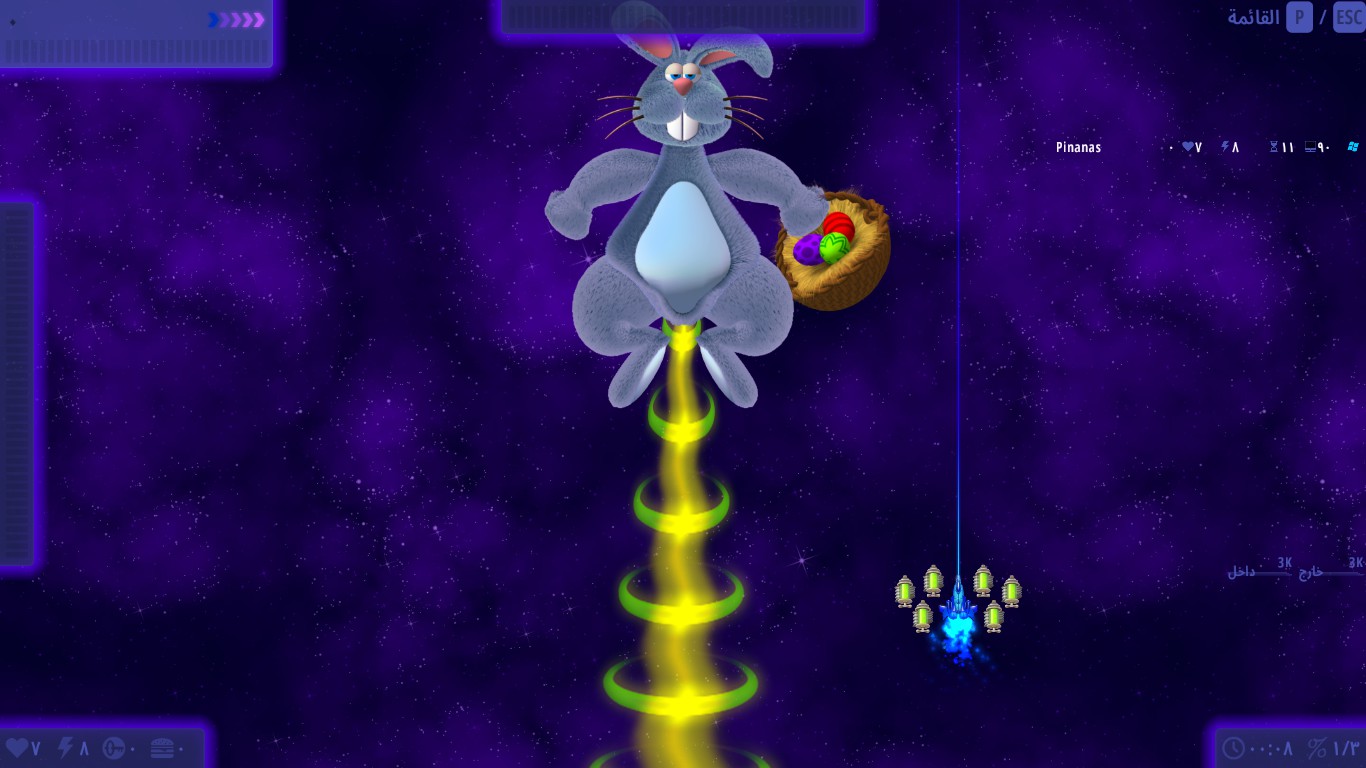
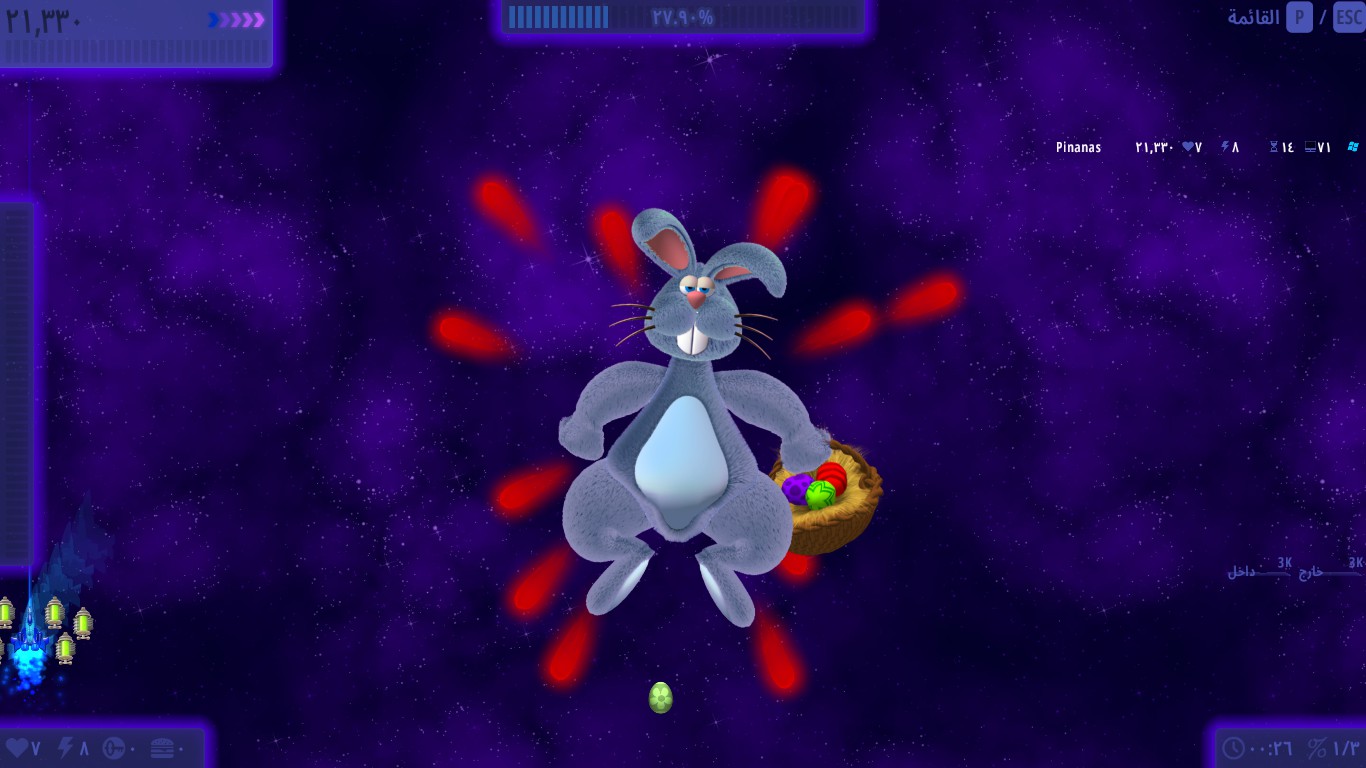
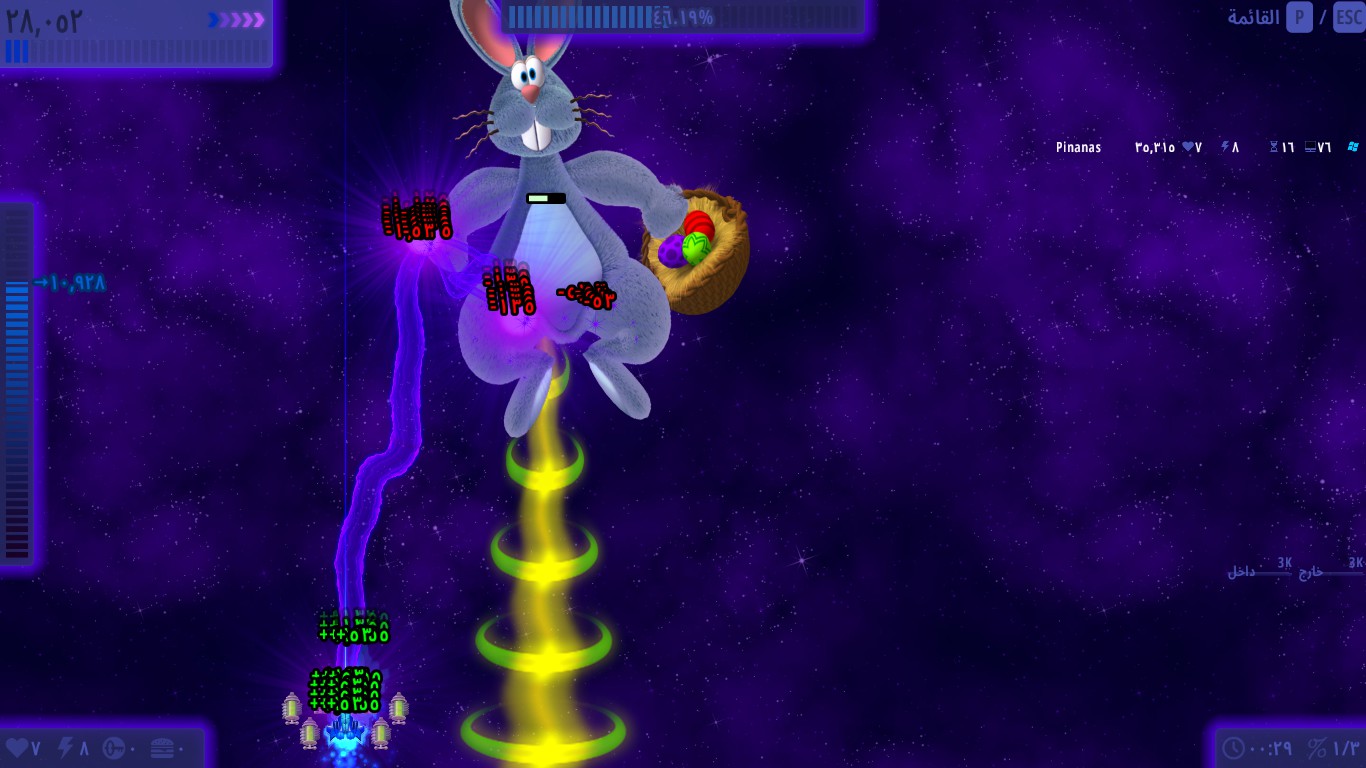
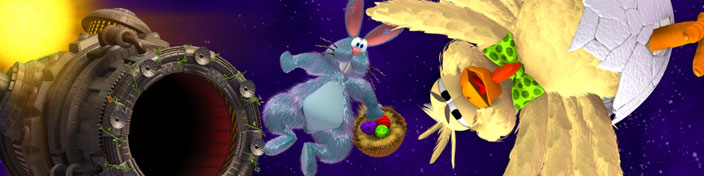
A small mod which replaces the rabbit from the easter edition with the version CI4 was supposed to use, The mod must be installed on CIU.dat.222x.easter instead of standard.
I’m aware of the head placement but that’s what I could do and changing the the position of every single frame (11) would take long.
Speaking about that blue rabbit, I thought that it was going to be an early skin for the infinite chickens as there aren’t any renders for them at all. Looks like it got scrapped quickly.
The only reason I guess it was scrapped as it was dark compared to other objects but I don’t see this enough, and it’s not even that dark.
Is it possible to edit .preload?
Yup
um.. how?
idk
by preload editor you can export frames edit them and repack them and to make them a new preload file
but there i an important point that you have to drag the ftga file one and preload file both in ftga file the image which is should be flipped verticaly otherwise the preload file will extract improper frames
So simply, the TGAtool can convert .preload, and then can be edited with preload editor, right?
yeah first is to convert tga file to ftga then edit that ftga file just to make the layer to flip vertical then preload editor drag both ftga and preload then export it then edit those frames and then again repack in preload editor then save image and preload file then the saved image is to be in tga file then drag tga file to tga tool to get ctga file then rename it to tga
I did knew about how to edit .tga but not about .preload, now I do!
Thanks <3