It’s happened in multiplayer when I pressed Enter or non-Enter, my ship went to the top of screen after cutscenes ended or skipped.
Yes. Until translations settle down, there will be regular updates to the Episodes to pick up the latest translations from CIU.
I’ve just checked CIU and it’s fixed there, too. The only situation where you might encounter this bug is if you start the mission using English and then change the language to Vietnamese mid-mission using Ctrl+T. If you start the mission with Vietnamese already selected, then it should be ok. Can you test this and let me know?
Fixed in v.17  Idea
Idea
Your ship follows the mouse cursor. If you move your mouse during the cutscene, then upon returning to the game, your spacecraft change position. This is ok because on space levels you have time to correct, and on planetary levels the game gives you invulnerability so you don’t crash into the terrain.
7 Likes
Two words for y’all who are Chicken Invaders’s fan: Merry Christmas!
sorry but i don’t use Steam to play CIU or any Episods, i’m using stand-alone so… i’ll wait until that time.
1 Like
Thats not even like that. In multiplayer, when I stopped using my mouse during cutscenes, after ending cutscenes, the ship went to the top of screen
That’s the reason I’m talking about the spaceship went to the top of screen without moving mouse cursor (Singleplayer or multiplayer but mostly problem annoying thing happened in multiplayer)
- In the past, CI5 in 2014 that issue happened to spaceship auto move to top of screen without touching mouse (this significant issue by pressing “Enter” key to skip cutscenes).
- In CI5U beta, when I already told you that the issues problem the Enter key was pressing to skip cutscenes and suddenly it was going to top of screen without moving mouse cursor during cutscenes.
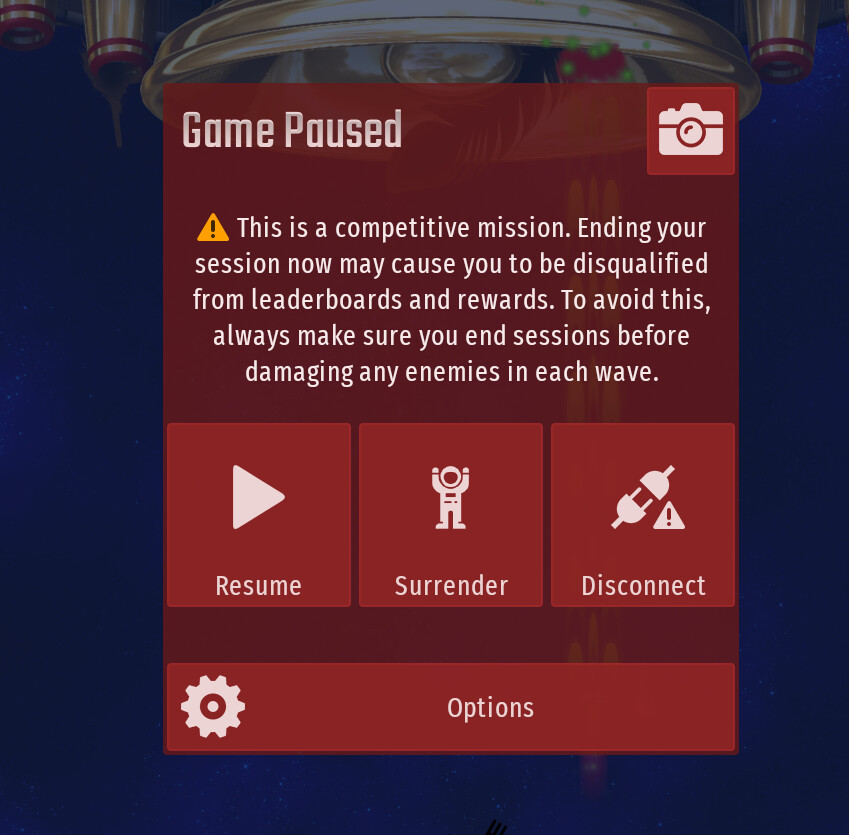
I said that in the topic “CIU version 150 BETA”.
How about adding 2 options for the DLC episodes, casual play and competetive play?
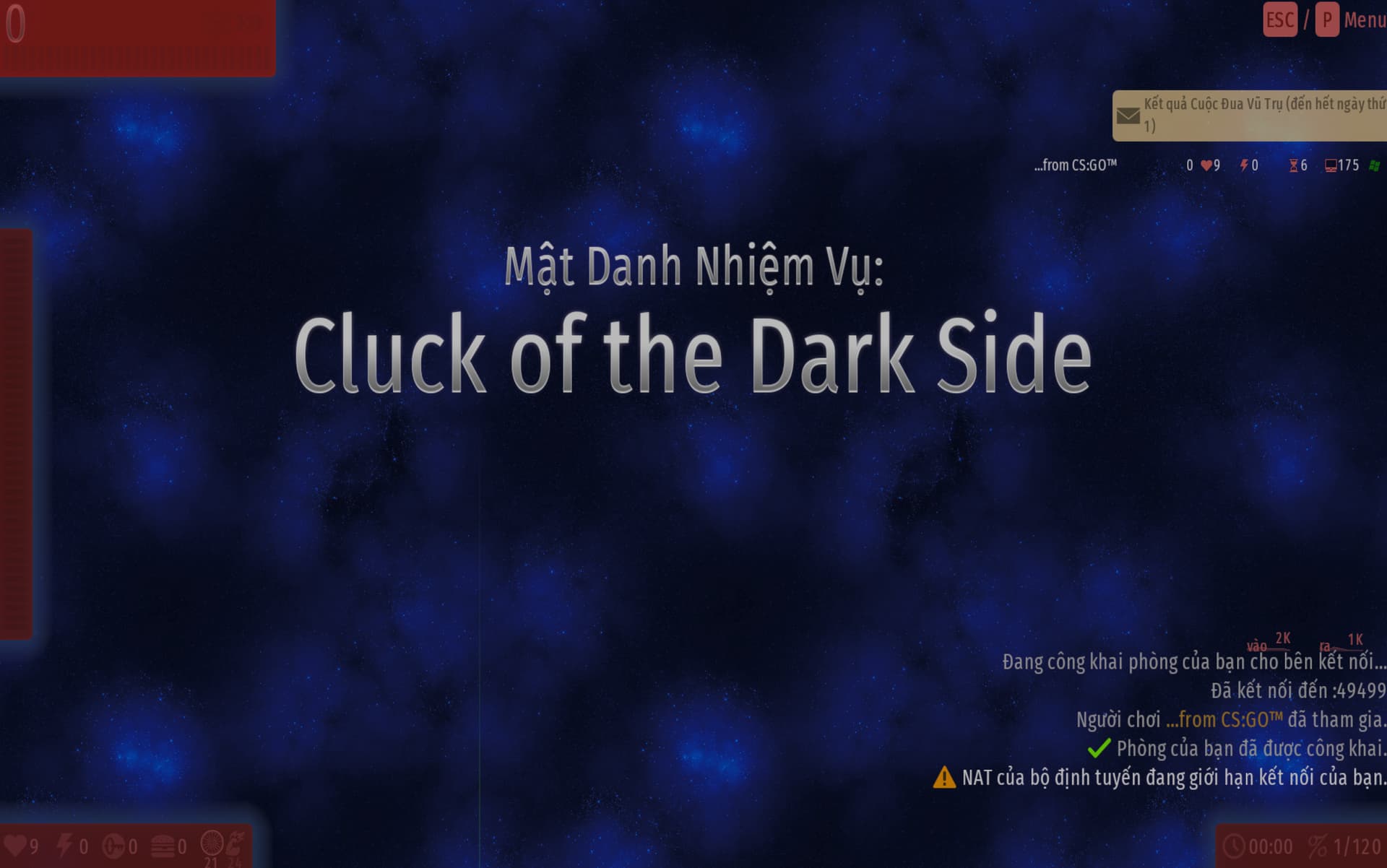
Ok, I understand now. Fixed in v.17  Bug
Bug
There is a top-100 list, so it’s competitive.
The important thing is that all characters now belong to the same font. In your original screenshot ( Steam Episode 5 BETA - #14 by OfficalK12 ), two different fonts are mixed together.

P.S. Why does the “wave” text start with a lowercase Đ? Have you modded the fonts???
6 Likes
the first one is the episode that i change before get into the game and it happen like that original image
it happens before the update was out ig, but now the episode’s font is fine by now
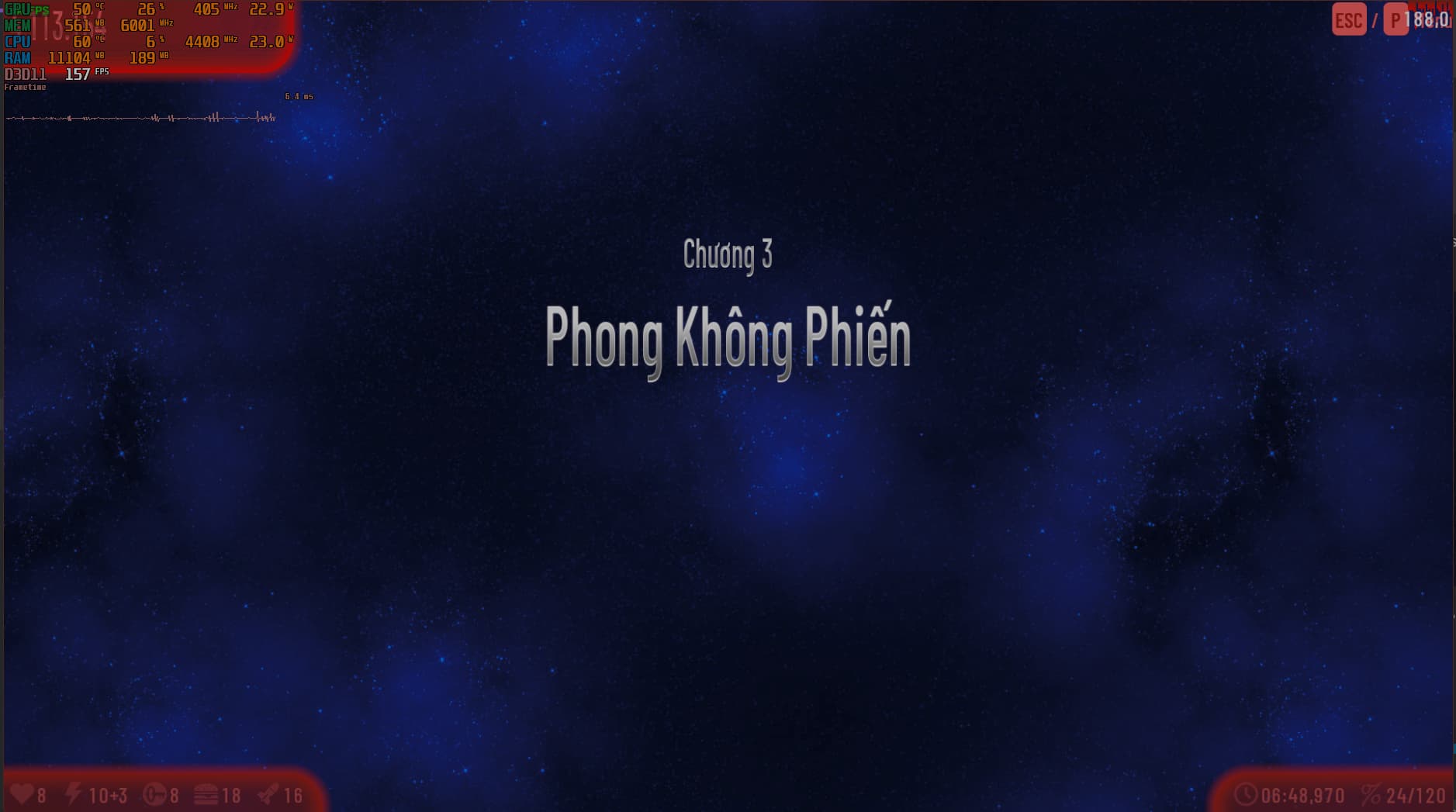
p/s: still miss the condensed like the original :')
i didn’t, i use the standalone to test the game (my main is on steam and it has lowercase modded)
DLC / Mobile
Game crashes when attempting to cancel DLC mission when the “Competitive Warning” is on.
iOS or Android? Android, I guess, since iOS doesn’t even work yet.
I think this was a random crash (not related to the DLC). Did you try it more than once?
3 Likes
Yes, I did.
Edit: I tried to replicate it but it seems like it doesn’t work anymore.
Me still

7 Likes