Hi,
Today’s topic is different, we’re going to see a small part of the game that took me too long to figure out: Planets
Planets in the game
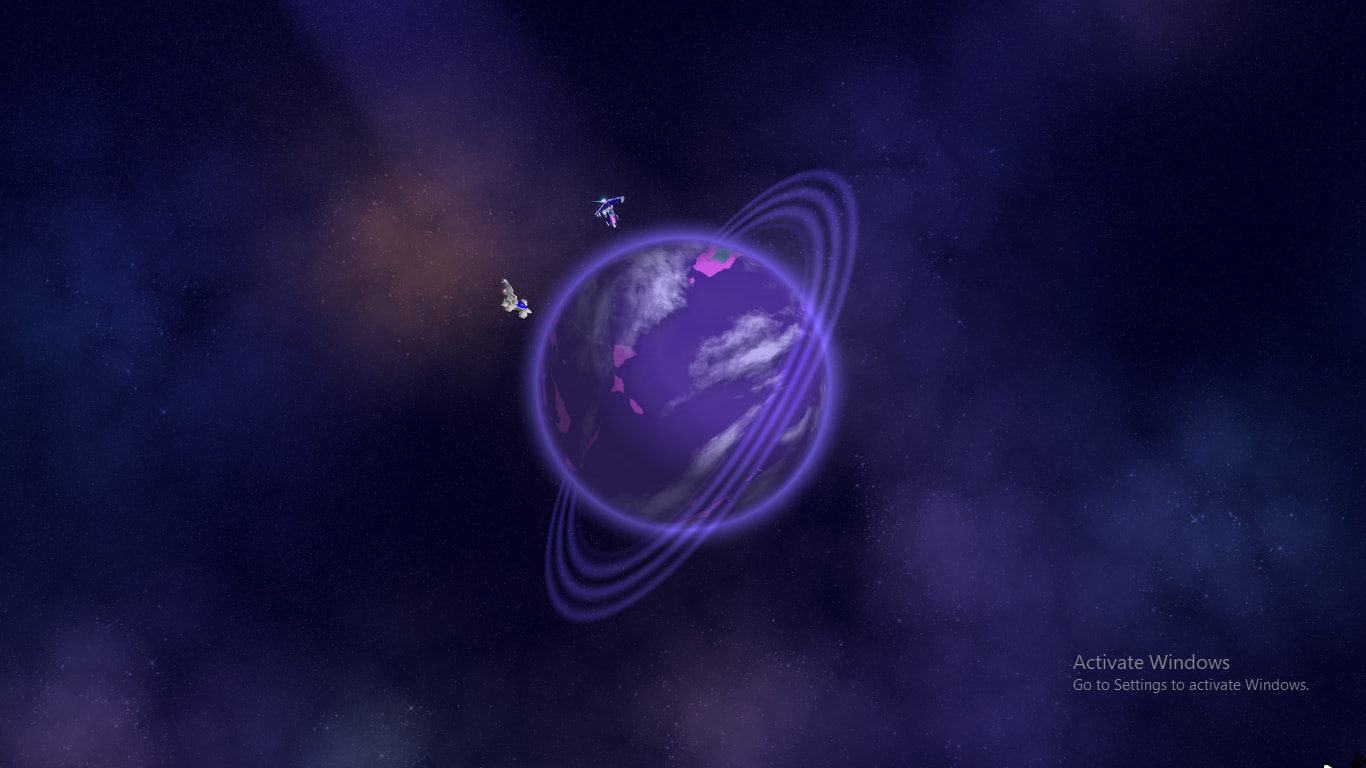
Before starting, I want to tell you that these are not 3D. iA himself said:
And no, they aren’t 2D tiled texture but only visible of it is circle. look at the edges of the planets, you see them like if they were 3D.
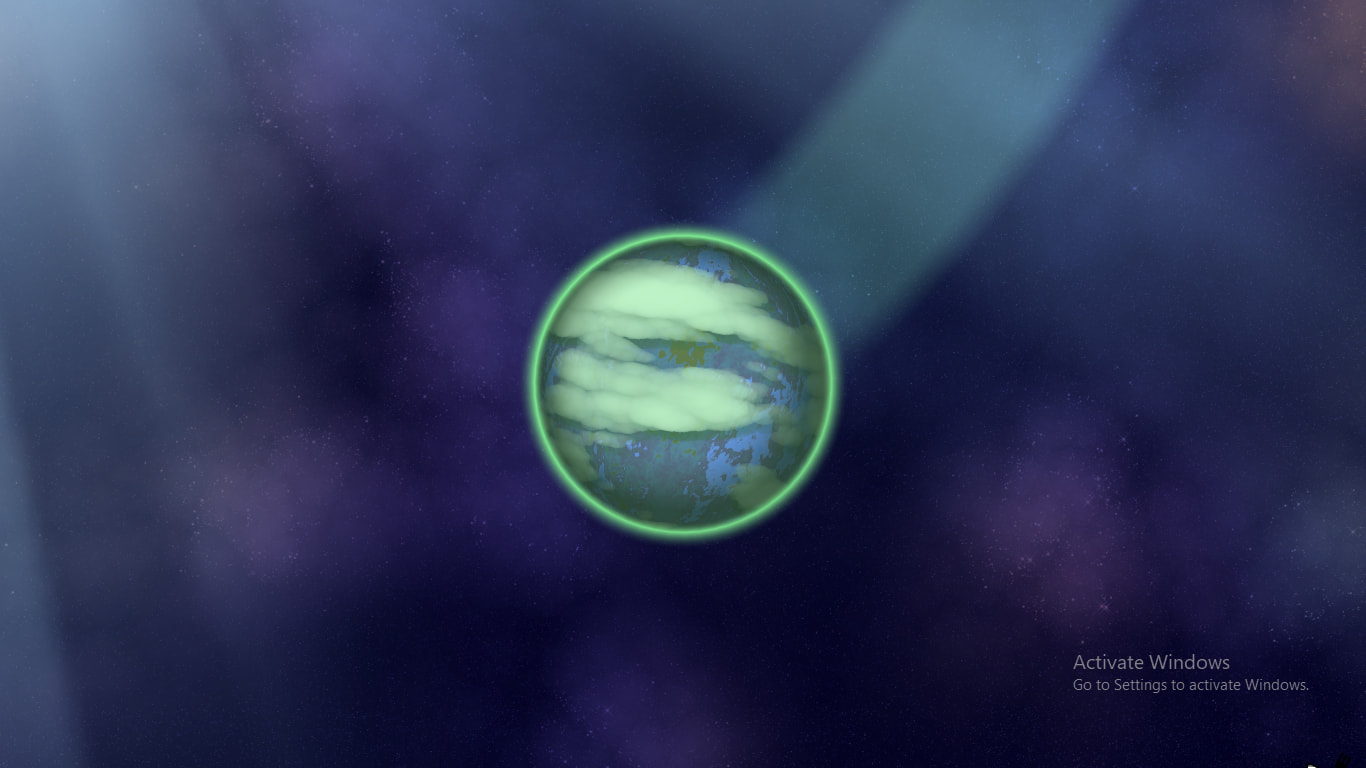
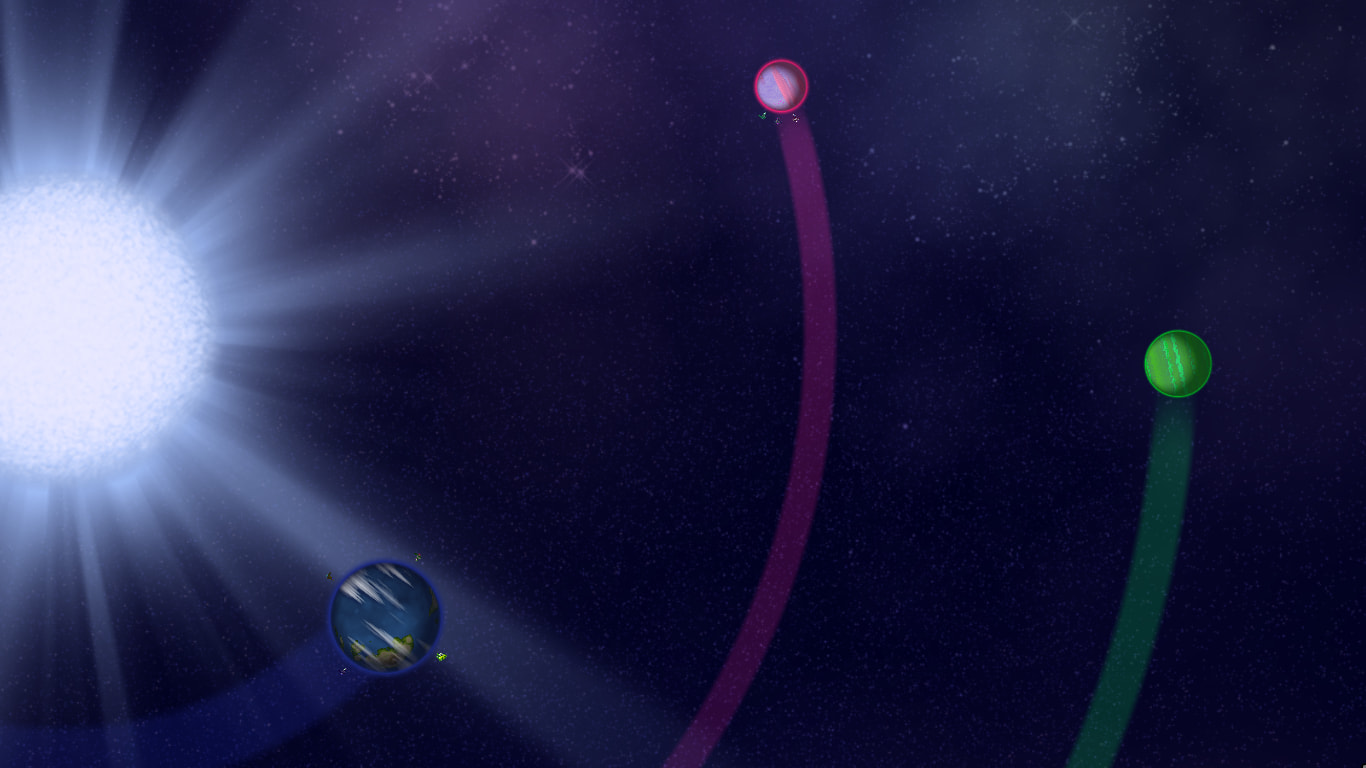
Also, these planets have shadows and the light direction always head to the star (we’ll need this later on)
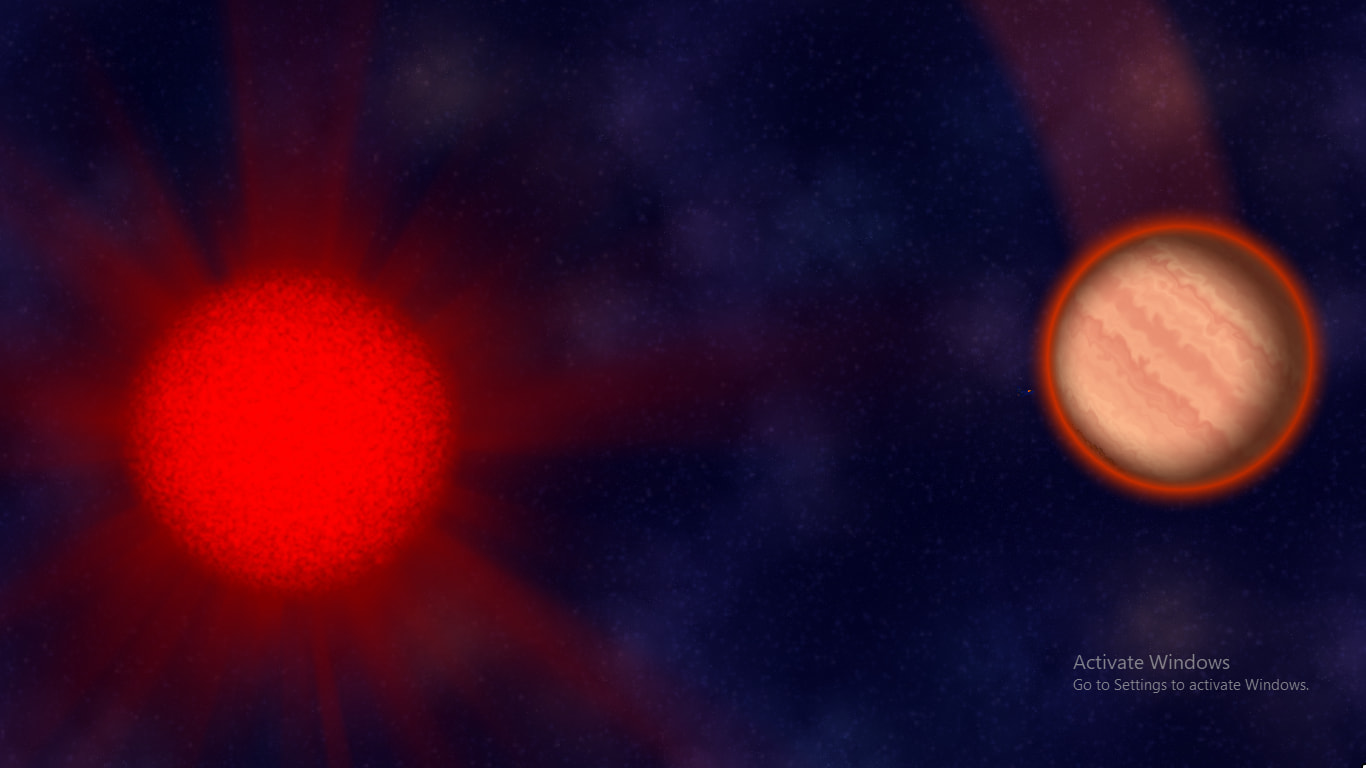
Another info we need is that the atmosphere (glow around the planet) can be thicker on different planets:
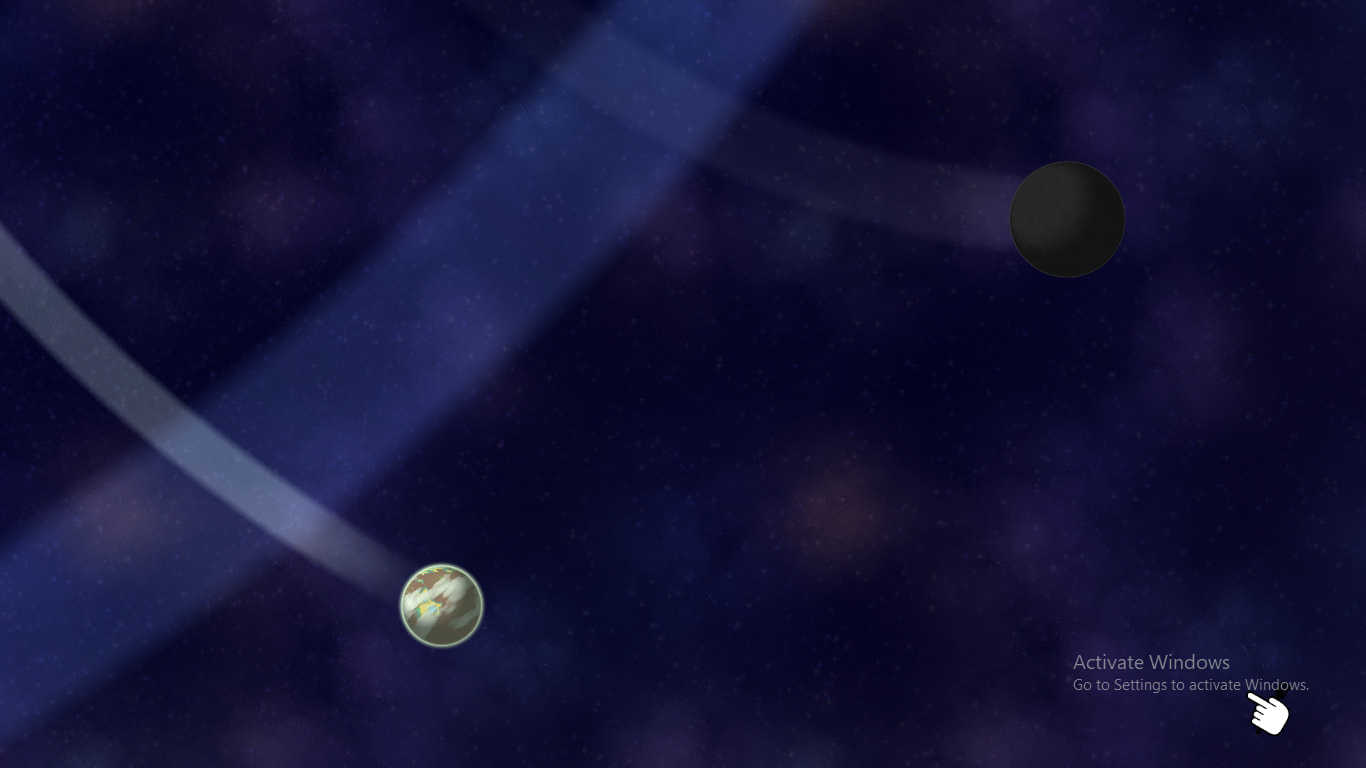
Last thing is rings, how we’ll gonna make that? We’ll know soon.
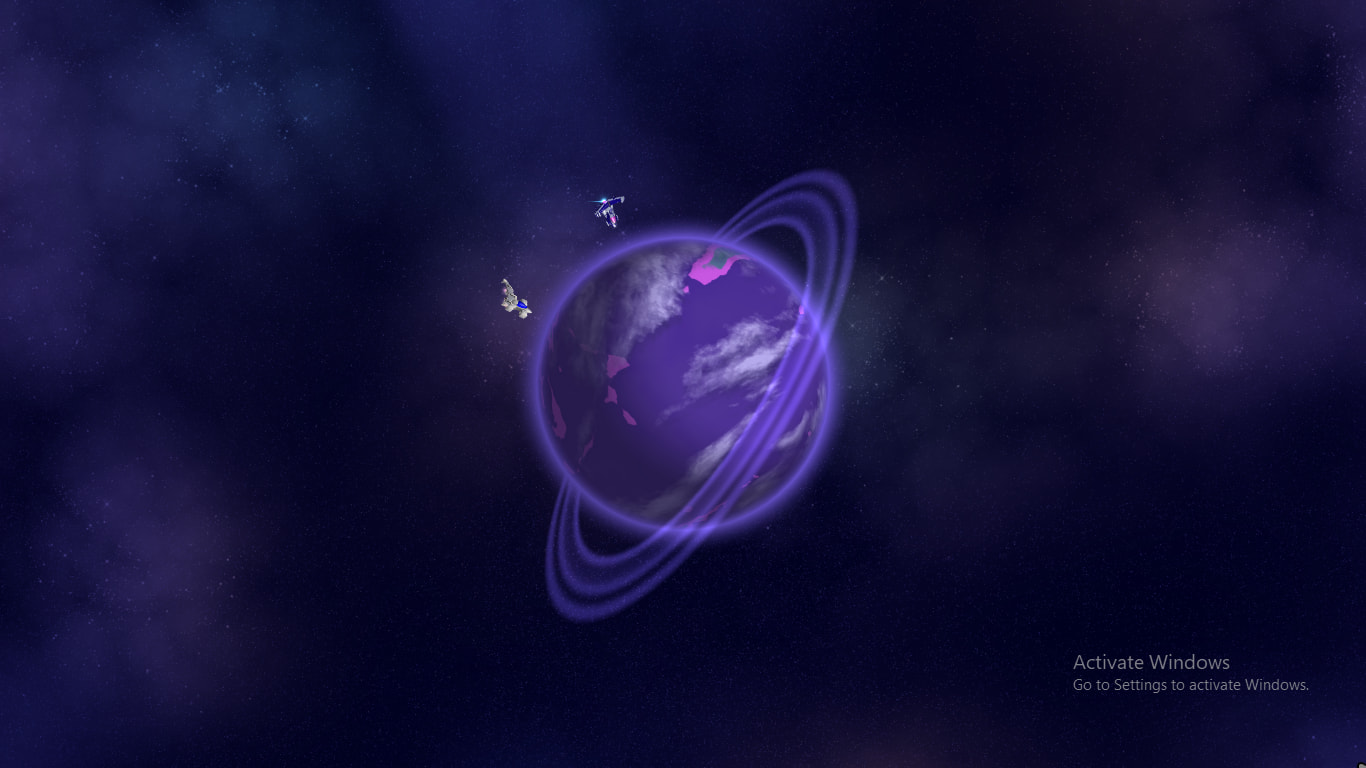
No longer real, it got fixed:
Now we got our basic info, let’s make the planets!
Making the Planets
We’re going to start with simple objects:
- Glow
- Shadow
Glow
We’ll do glow as it’s easy. It’s blurred transparent gradient to solid color to transparent again and then gets rotated to make a circle shape, this should be easy (Make a perfect circle then blur inside and outside of it).
And yes, we’ve made it!

Shadow
Now with the shadow, here where it gets tricky…
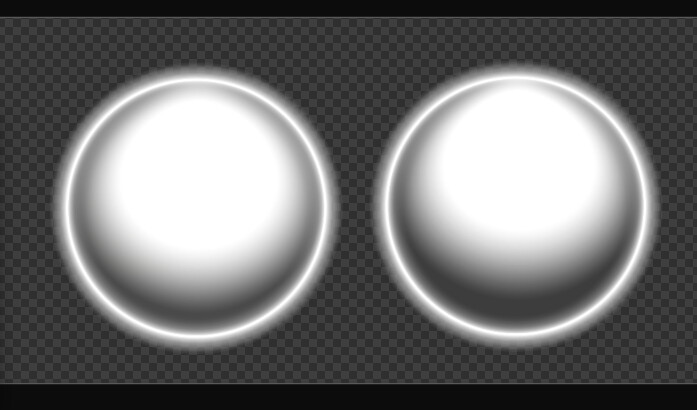
Looking at its texture and it’s just a hole in the middle gradinating into white:

If you wonder why shadow is white is because shadows get colored (in the game white parts are easily colorable like using Multiply Blending in image apps) will look later how they are colored.
Later I made a video showcasing my attempt at making them animated however there are so many mistakes yet we’ll cover later on…
Remember the trick I said above about 2D tiled textures? I made it in that video. Obviously, OBS Studio can’t make 3D models to make it look accurate…
Wrapping

There’s another way tho, I used this plugin to make the same 3D effect, we’ve wrapped both shadow and texture, and… It’s almost similar to the game planets.
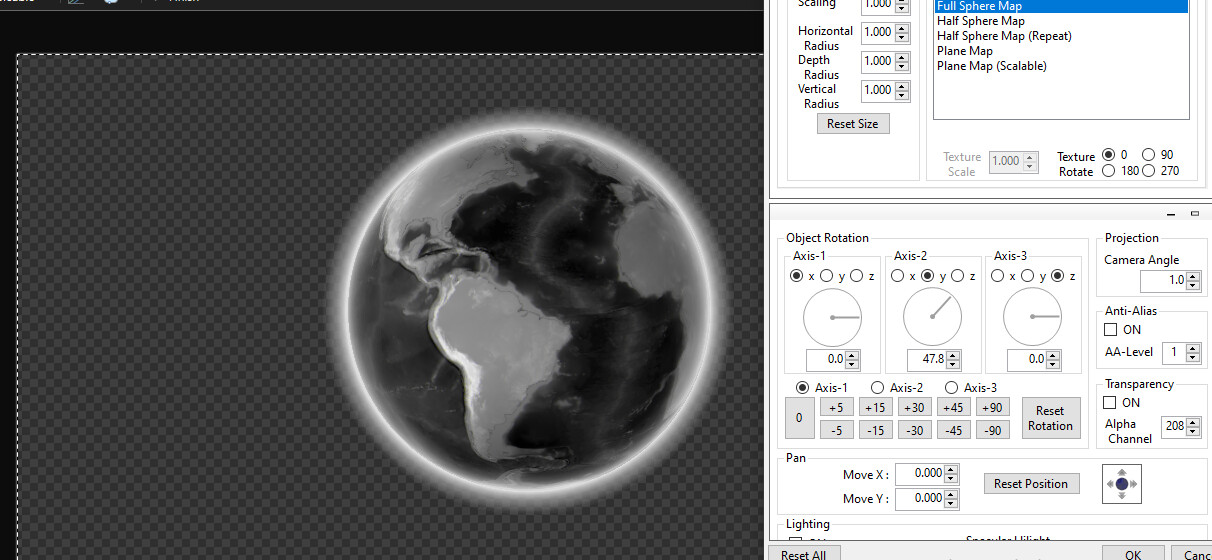
(The texture is Earth heightmap)
We still need more stuff:
- Clouds
- Colors
- Rings
Clouds & Colors
Clouds are simple. They are like the surface but only use single color and its “Planet Color” (It’s uses it but makes it slight brighter, Earth-Likes are exceptions) however they move slightly slower and fun fact, 2 of these clouds are found online!
One is Earth clouds and the other is an edited version of Venus atmosphere.
Another thing that Clouds also have shadows, they are just copies of the og cloud but:
- Slightly Darker
- A bit farther from the original cloud location depending on light direction
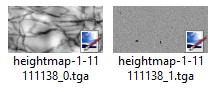
Wanna comment on something, the game uses hmap files has 2 images, one is simple black and white image and the other is noisy texture.
Surface Colors
We’ll focus on the first one. How do the game makes the multiple colors of the surface?
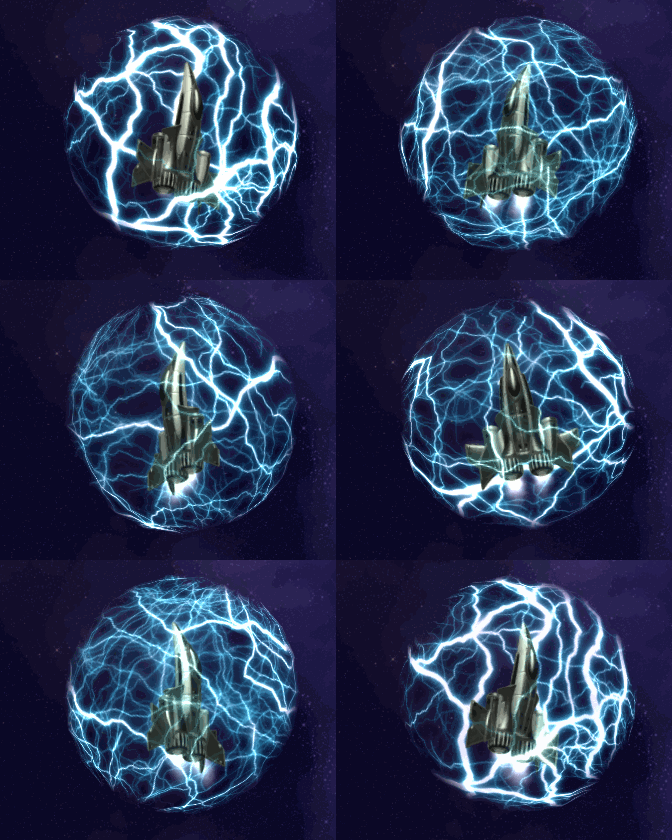
Let’s get a quick example yet from the game, see this shield?
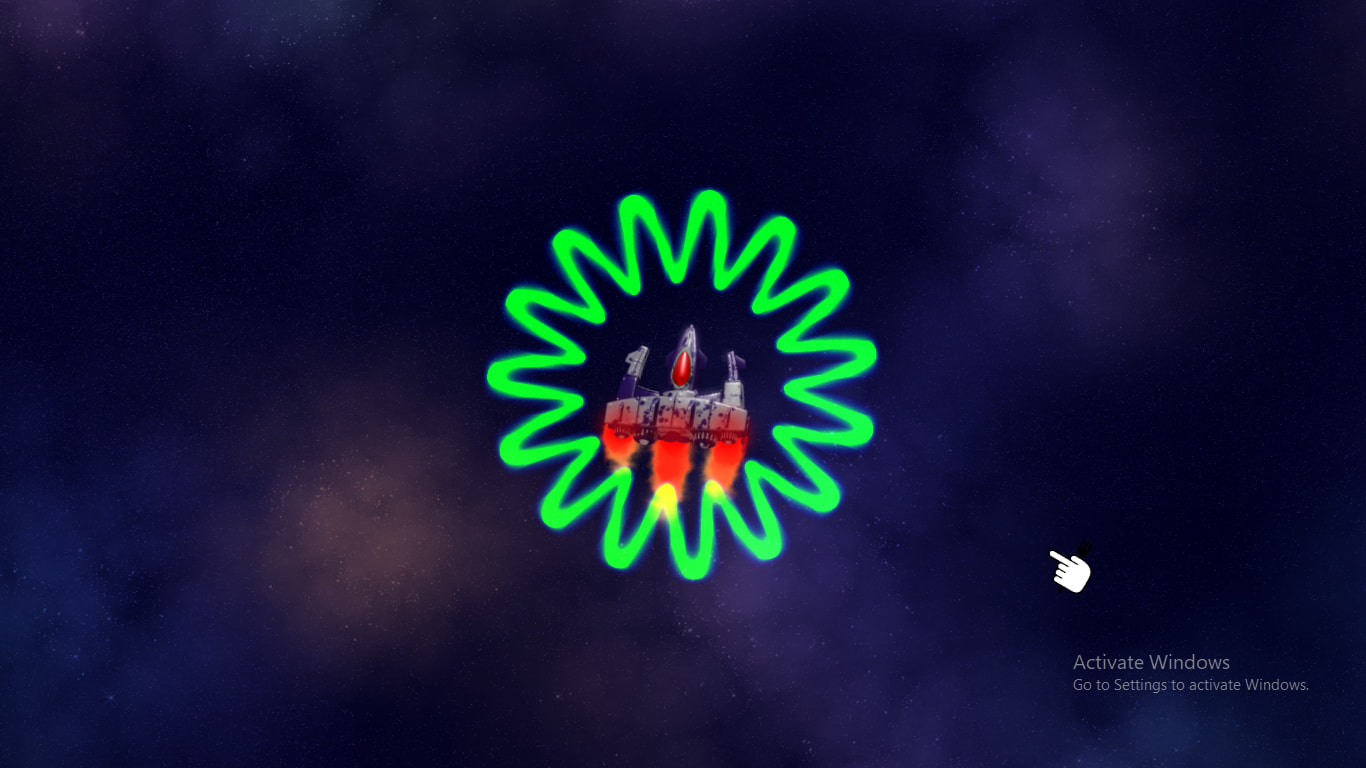
It’s a gradient of 2 colors, one inner and the other outer. That’s similar to how planet surfaces work. But this time they’re multiple ones (from 2 colors up to 6)!
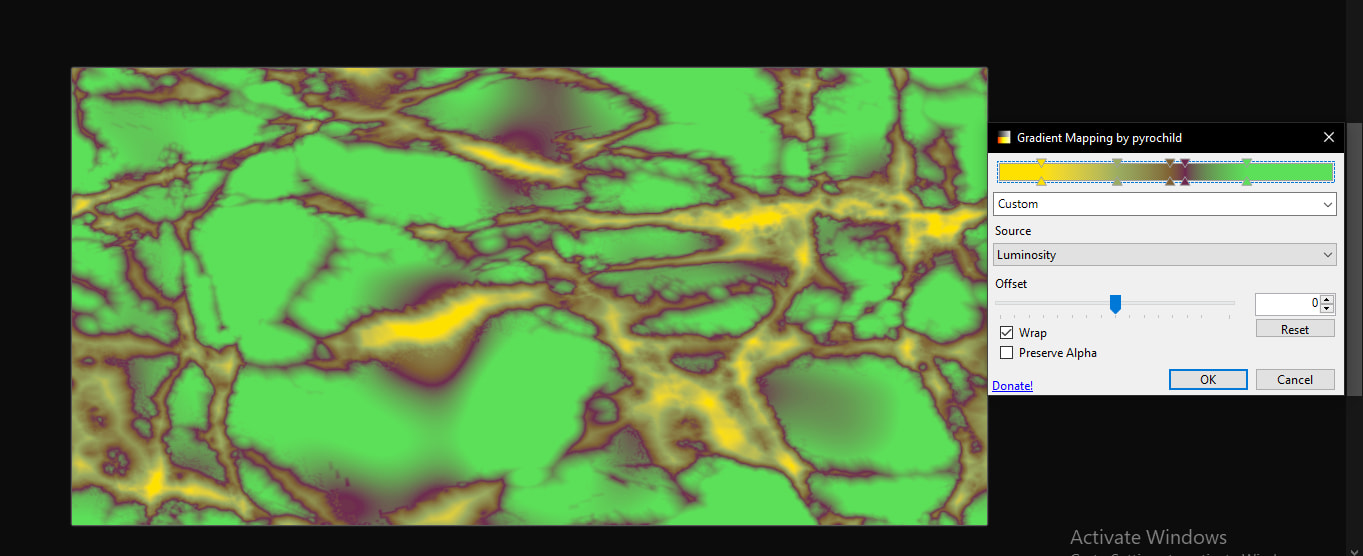
But how did you know they’re gradients?
This changelog explains it:
And yay! We made the surface and the clouds!
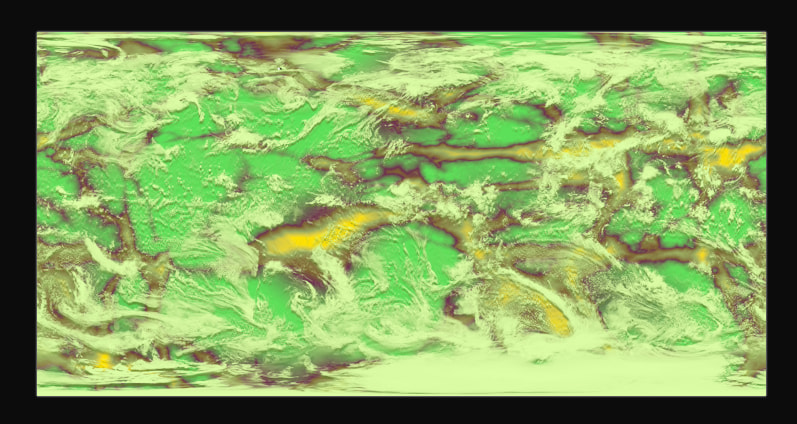
Now we add it to the glow and then the shadow and glow “they use planet color too.”
Finally, it looks like it came straight from the game!
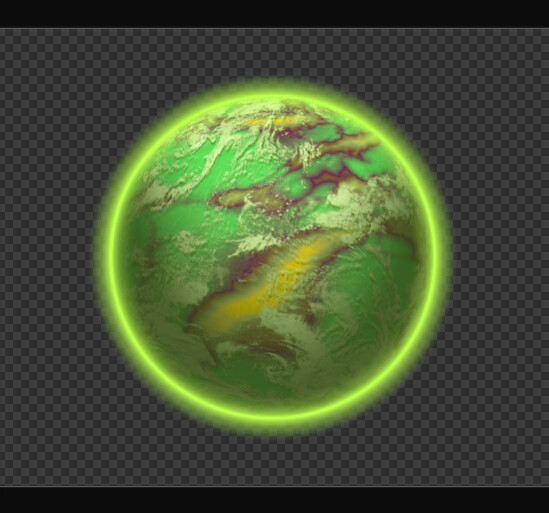
Here’s something… The plugin I used allows me to see the poles and when I remove the clouds along the way… The pole looks… strange.
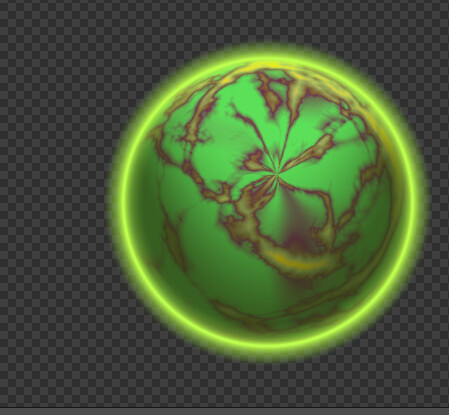
It’s possible to solve this issue but neither we the game actually fixes it nor we have time for it.
Now one thing to figure out.
Rings
It’s possible to make copies of the glow and then scale and shrink to make further or nearer:
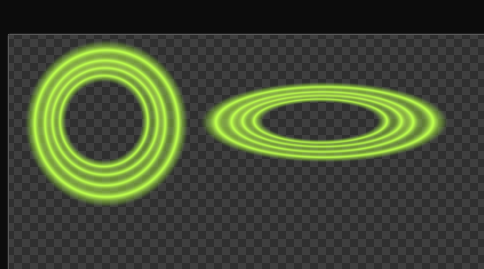
Later add them in front, back of the planet with “Additive Blending”.
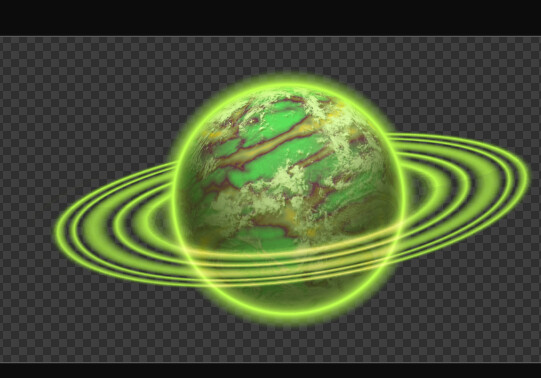
NOTE: I currently don’t know how the game actually makes the rings have parts in front and parts back, I have a guess they’re 3D rotated.
After all these info we can make a planet, let’s see how much it takes us to make another one!
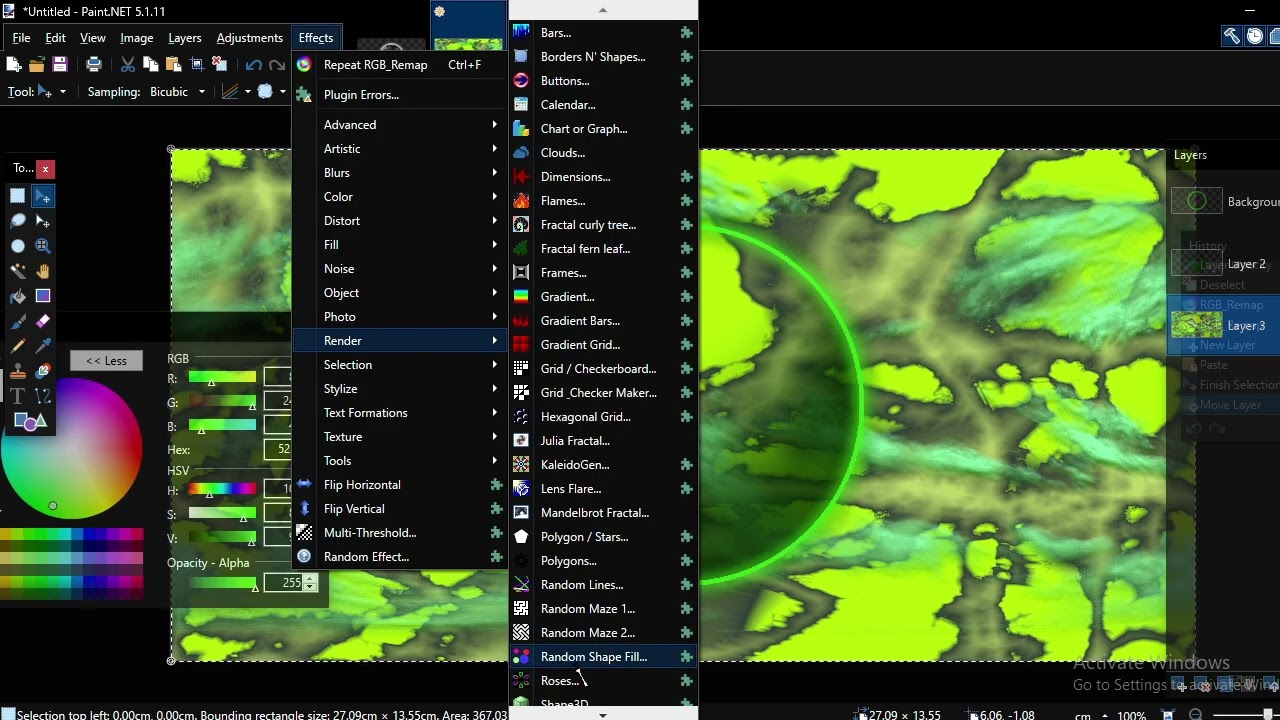
BUT remember the hmap files? There’s another thing that I stopped at from these hmap files, unable to see the reason behind it…
Unsolved Mystery
Alongside the first image that’s in hmap, there’s another one, it looks noisy…
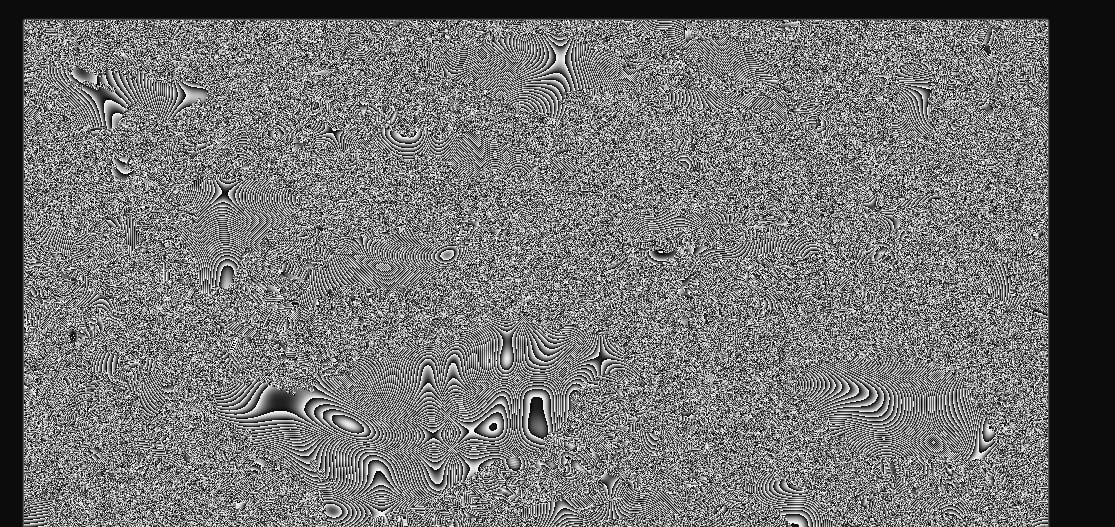
And even replacing it, doesn’t change anything within the game. I guess they’re unused or have unseen funcion…
Conclusion
And that’s it! I know it isn’t a topic idea but this took me long time to know and I wonder how actually I’m accurate to in game behind the scenes and…

 Bug
Bug

