The official release is very close now, and to (hopefully) catch any last-minute problems, I am providing advance preview builds of the stand-alone and Android versions of the game.
Before you install them, however, read through the following notes:
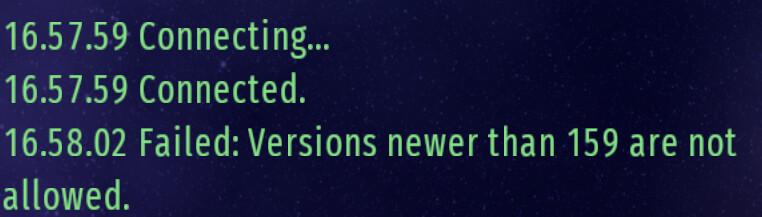
These are the final builds (exactly the same as will eventually become public), however until the new version is officially released, they will still connect to the BETA server. This means that any progress you make using these versions will eventually be lost.
Purchases will not work.
They will overwrite any existing previous version installation you have.
If you install them but then wish to go back to playing ‘officially’, you must re-install the previous version on top.
Well there is a bug that is present in the Advance preview of CIU V160 and in the official CIU V159
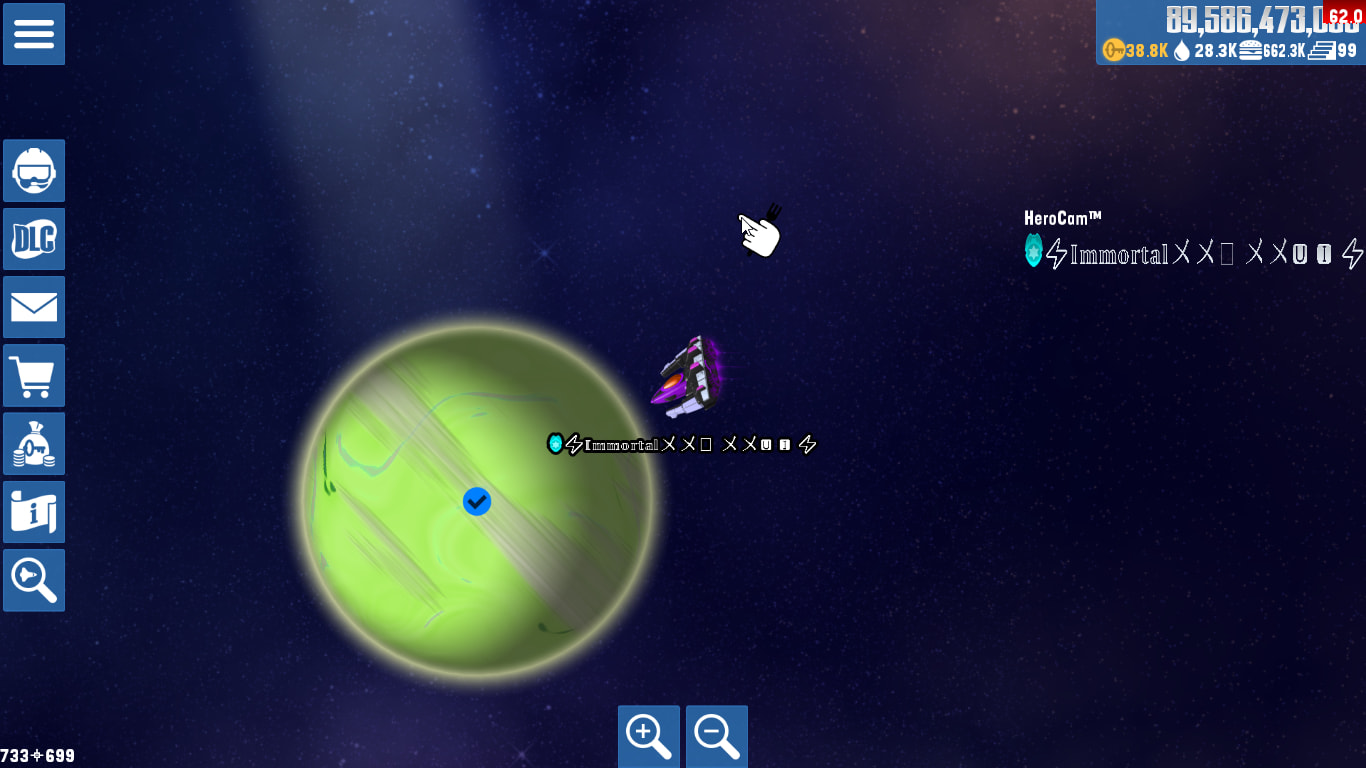
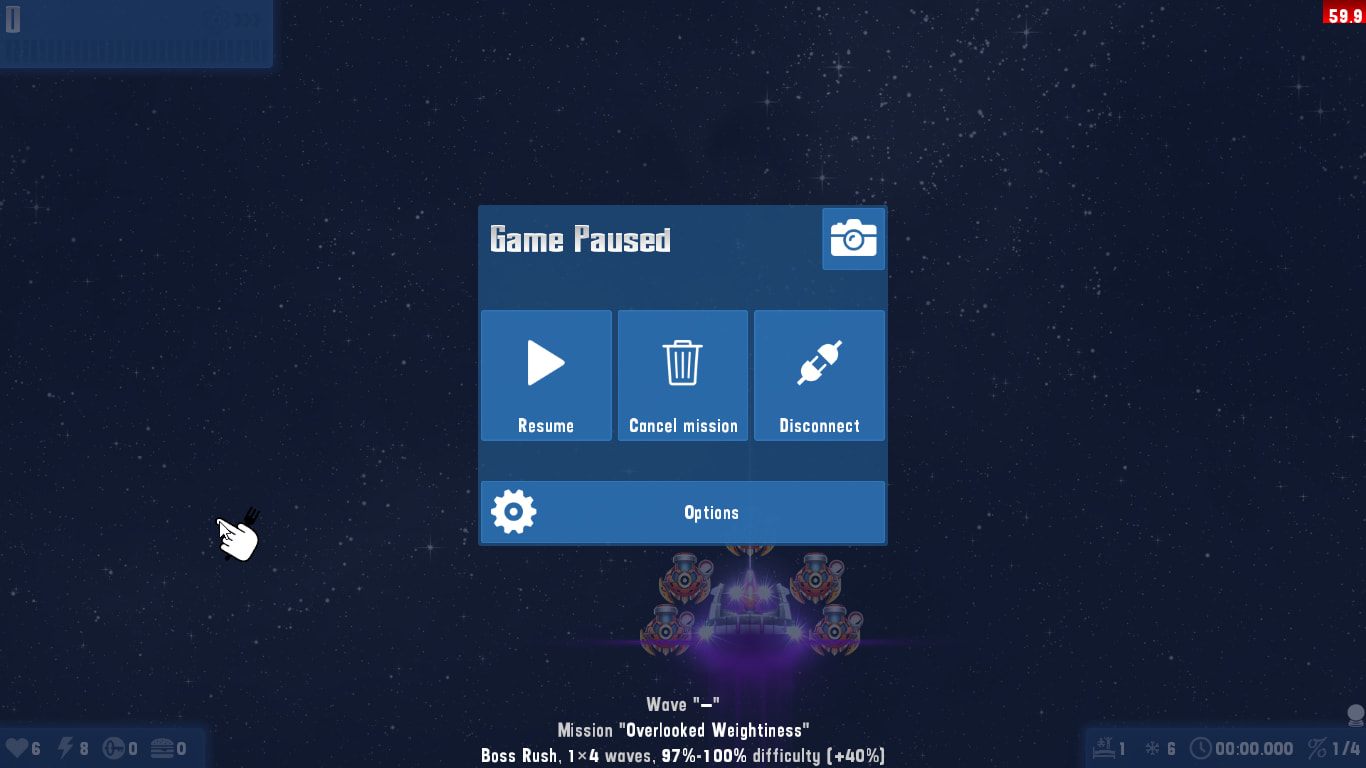
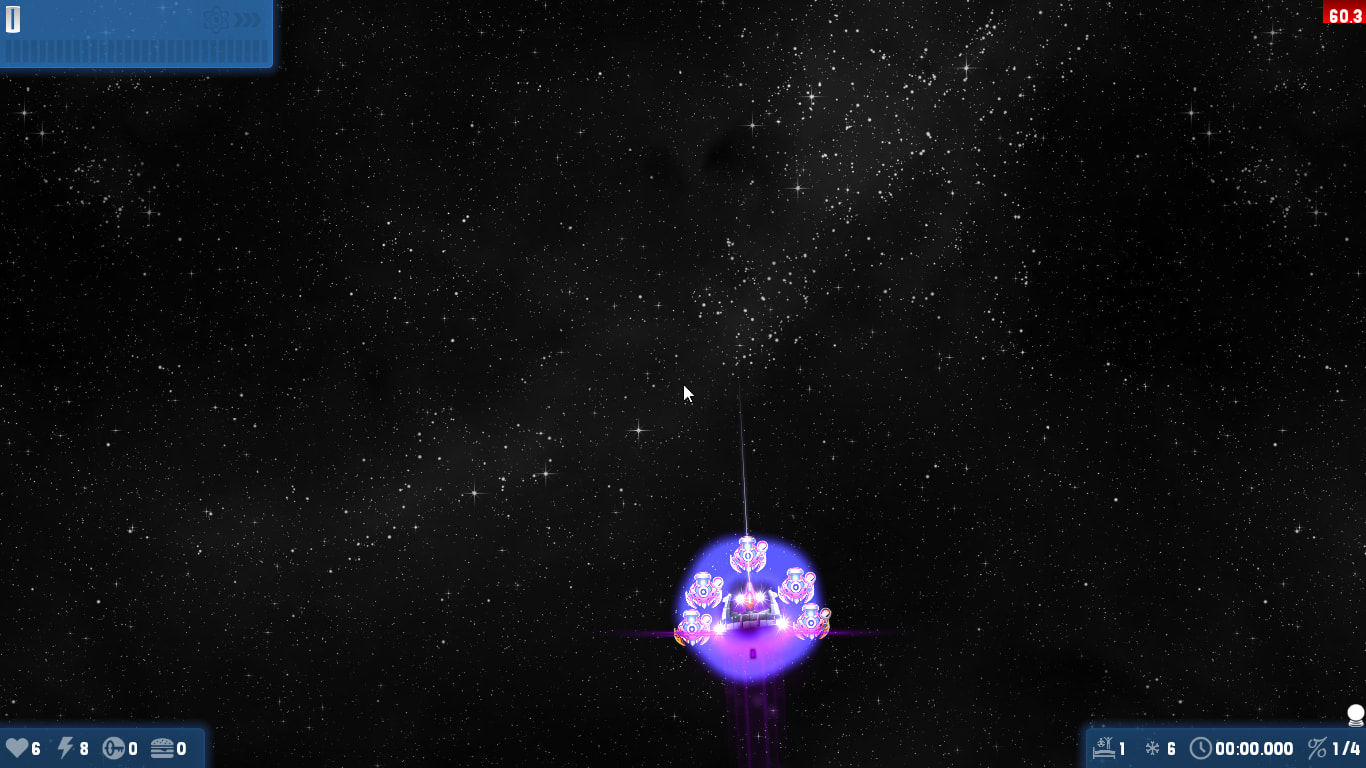
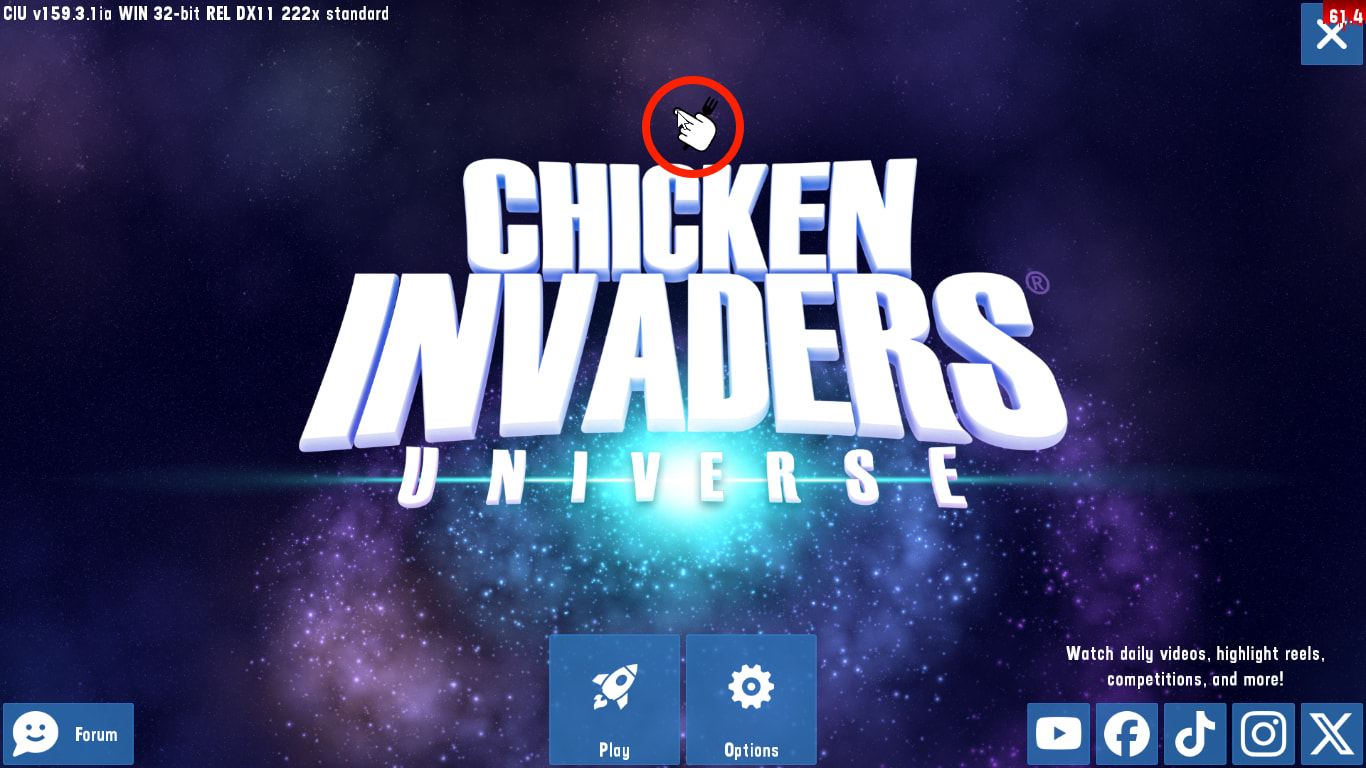
If you opened the game on user A and then clicked Win + L to log in to user B, after you’re done with user B and switched back to user A where CIU is still opened and got into the game, the windows cursor/pointer will be stuck right above the game’s custom cursor, my PC is windows 10 and this bug gets executed in Fullscreen, Bordered and Windowed
However, you can get rid of it by restarting the game.
If the bug was triggered and you enabled “Display pointer trails”, the windows pointer disappears in-game, disabling it will make the windows pointer still visible in-game
My question here is that, Can this bug get fixed before CIU V160 rolls out? me and @Randomdude.ia found this bug some months ago
Isn’t this exactly the same bug from somewhere before early access v100 that was triggered by reconnecting the mouse? E.g. here:
That is because Windows is stupid and doesn’t have a dedicated option for software rendering of the mouse cursor. When you enable the trail, the cursor rendering is not hardware accelerated (which conveniently solves 70% of issues related to all modern AMD GPU drivers) but the rendering is stopped when something hardware-accelerated is being rendered on the background. An easy way to do this is to open the calendar in Windows 10 and move the cursor over it before the sliding animation is finished. The cursor will disappear and then reappear when the animation is done. I’m 99% sure the disappearance is literally impossible to fix unless Microsoft decides so.
The same bug makes trailed cursors completely invisible in geometry dash, by the way.
Yes. Fundamentally this stems from the buggy way Win32’s ShowCursor works. In the fix, I’m now re-hiding the pointer whenever UVE comes out of the “paused” state (e.g. gained focus), so even if the pointer re-appears for some reason, Alt-Tabbing away and back should fix it.
I want to say something to you, dear developer. Listen, it’s a very simple question: what is the size of your UVE engine, and how many lines of code did it take you to write? That’s all. Thank you, haha.
Yes, the CIU lines for Android alone have exceeded 156,778, which is close to that exact number. This is great and fun. Also, where is the additional content for Android? I haven’t found anything specific, or how do I try the DLC from it?
 Before you install them, however, read through the following notes:

 Bug
Bug