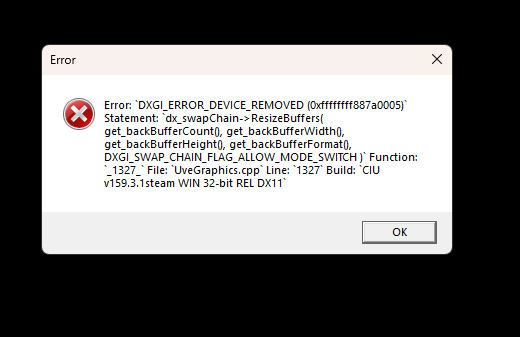
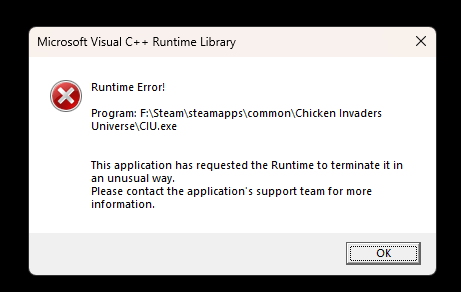
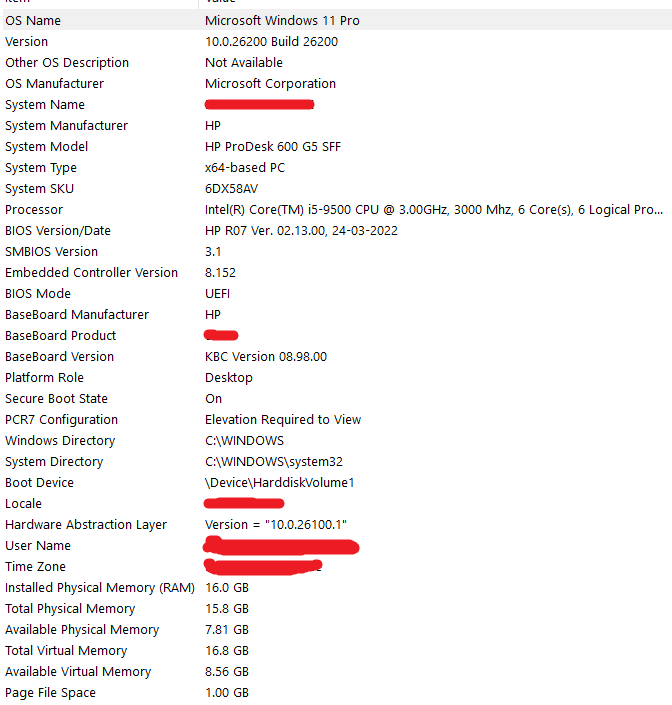
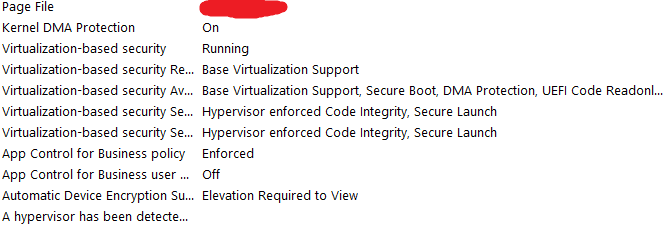
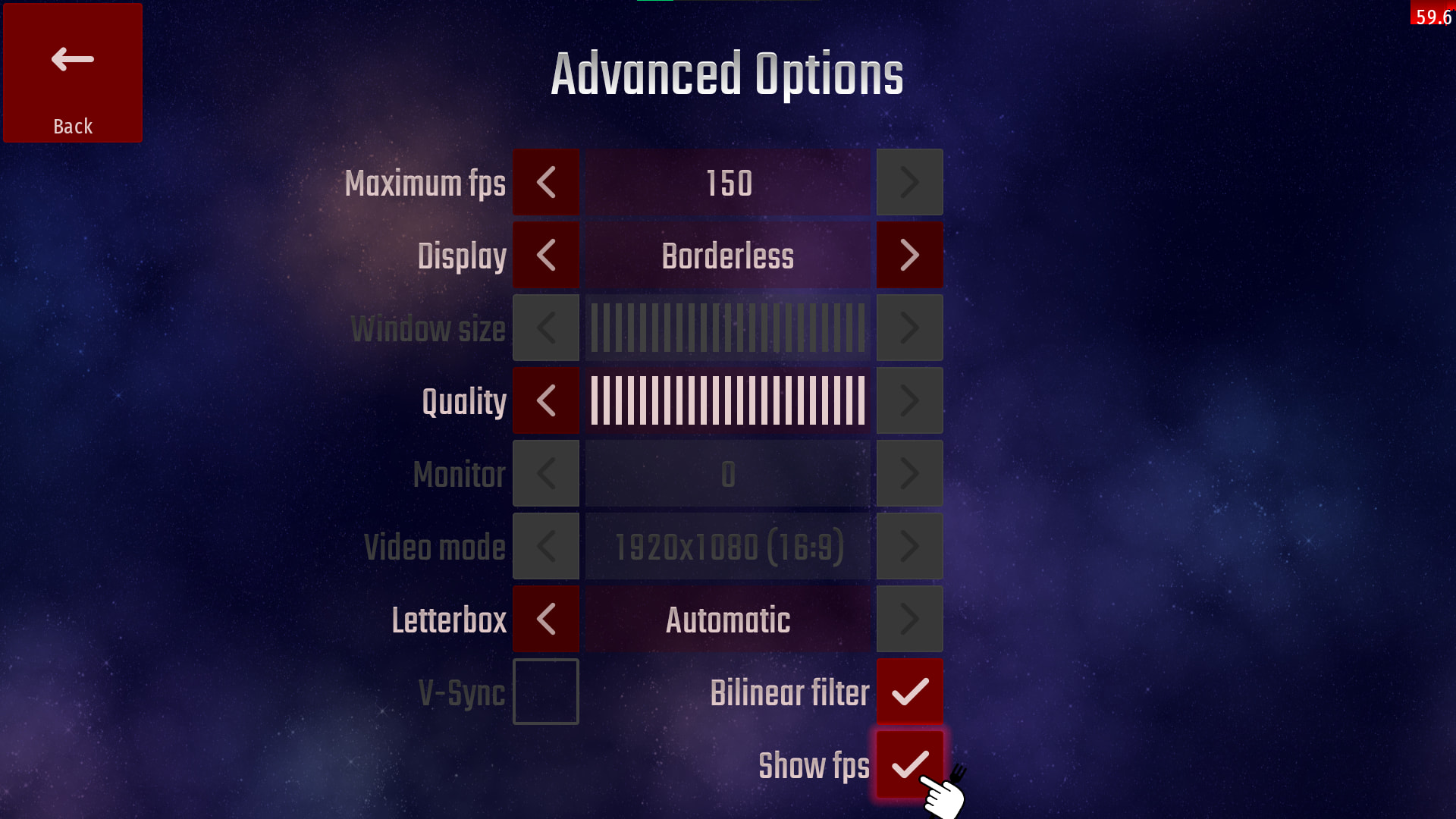
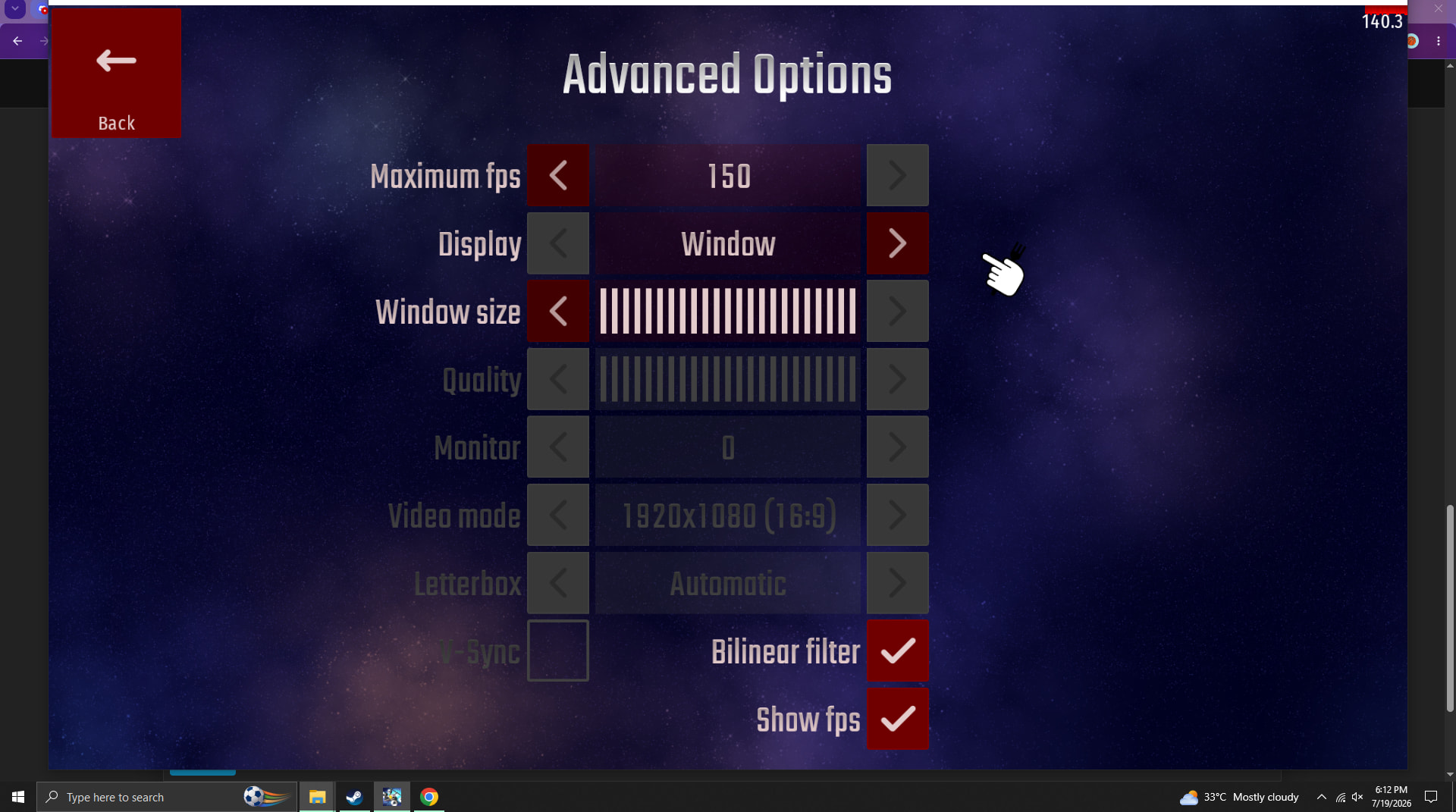
So when I play my game at 60 fps borderless or fullscreen it runs as usually.
But when I turn off vsync & & set my fps to above 60 (fullscreen), at any moment the game just crashes out of no where & gives me some errors. & then sometimes during the crashes my entire pc restarts & before it does, a black background interface comes with some % number like thing.
Now , I can’t take images because I don’t wanna risk my entire PC getting broken but please solve this issue! At 60fps my game feels no as smooth so IA can you see whats happening?
UPDATE! I was a bit brave so I tried again & my 3rd classic invasion level the crash happened & it showed me this image.
I also have a question
Last year during the 7th anniversary, my brother joined from a laptop, but there was so much load that the game crashed.
Laptop specifications:
i5 9th gen
16 GB DDR4 RAM
256 GB SSD
No GPU
But my phone survived, and gives around 30 fps or less..
The laptop should have survived too..
Does this happen to you guys as well?
Integrated graphics can’t outperform what a dedicated GPU can do, so that’s why it likely crashed. Before when people used to spam specials in MP lobbies, I wouldn’t suffer at all, due to my RX 570 with 8 GB of VRAM taking over everything.
Take a look at the couple clips below. Look at how the FPS counters drop for everyone but me.
As indicated by your first error, it is a graphics-related issue; your graphics card might be faulty, or your drivers may be outdated. I suggest updating both DirectX and your graphics drivers.