I am afraid to say it
If you don’t ask, you will not receive any answer.
I ask if you know the TGA format
A TGA file is a file saved in the raster graphic format designed by Truevision. It supports 8, 16, 24, or 32 bits per pixel at a maximum of 24 bits for RGB colors and 8-bit alpha channel. TGA files are used for various types of images, such as digital photos and textures referenced by 3D video games.
ah for that I have permission to pass them
Well, supposedly they are going to tell me the same thing
Wanna get a true Universe Experience? Here’s what I delivered to you. But wait? Is this a dream? or it’s true? No one knows
Aand yes it’s true
About Aurora Theory Mod.
Brought to you true experience of Universe, this one replace all music theme that carefully chosen by me, just need to fit with the mod content.
70% Music files inside this mod was provided and supported with Dream of Distant Star(brockle, why not?) album, and of course it’s free to use.
Still no graphical texture replacements, or maybe yes, but failed due to strip lines and unresized image caused the background splitted to 4 corners. So yes, again
Download the mod here: Aurora Mod
I have another question again
There will be possibilities
I’ve uploaded a small but very very very important fix for iami. If you haven’t downloaded it yet — please do. The complete announcement is in Discord.
the first time i start modding ciu i failed until months later i did it again (WITH NO TUTORIAL) i did it!

The “Super Bejeweled Impact” mod is here! This mod replaces most of the soundtracks and SFXs with the ones from Bejeweled series, Mario series, Hoyoverse games, Blue Archive and other games you may recognize!
1st Update: Remove delay of the file “burgermeister_bunsmash.ogg”
2nd Update: “Darkness Theme” now uses original “Time Bomb” track instead of my self-made one
3rd Update: Super Bejeweled Impact + Seasonal Sound Pack is released!
4th Update: Some adjustments for Seasonal Sound Pack.
5th Update: Super Bejeweled Impact + CI5 DLC Sound Pack is released!
6th Update: Seasonal & DLC Sound Packs are no longer bundled with “Super Bejeweled Impact”
7th Update: Amplified all turkey SFXs in Thanksgiving Theme + Released CI3 DLC Sound Pack!
8th Update: Some adjustments for Super Bejeweled Impact & Christmas Sound Pack + Released CI2 DLC Sound Pack!
9th Update: Minor SFX replacements + Replaced Anniversary Theme with Chiptune Autonomous!
10th Update: Some changes to all mod files + Released Summer Sound Pack!
11th Update: Added outro to some tracks + Released Soundtrack only and Chiptuned Soundtrack mod!
12th Update: Added metal-breaking and Boot Camp-related SFXs + Minor changes to DLC mod files
13th Update: Replaced the Burgermeister’s burners, CI2’s dragnet, balloon-popping and satellite-mounting SFXs
14th Update: Major changes to the “Chiptuned Soundtrack Pack” Updated all links that are previously broken in the “Credits” spreadsheet.
15th Update: Added the Gear Switch and Teleport SFXs
16th Update: Major SFX replacements, including DLC SFXs (Blue Archive SFXs are now included in the mods!)
17th Update: Added SFXs for Microgun, speech beeps and soccer ball pops + All mod files are reorganized in their respective folders.
18th Update: Brand new boss explosion SFXs + Extended the Blue Archive font!
19th Update: Thundercluck Theme now uses Irodori Canvas + Replaced clothes stripping SFX
20th Update: Updated Blue Archive Fonts and Icon Packs + More GFX mods, including Episode-exclusive mods!
21st Update: Darkness Theme now uses Track 258 from Blue Archive (previously Bejeweled 3’s Time Bomb Theme). Updated Blue Archive font to support CJK characters (partially) + Added Neon Chicken’s Torso Replacements.
22nd Update: Released Summer Soundtrack Extension + Adjusted spacings and a few more Latin, Greek and Cyrillic characters for Blue Archive font.
23rd Update: Replaced Darkness Theme and Yolk-Star Theme + Replaced Extra Life SFX
NOTES:
Standard mods and GFX mods should be installed in “CIU.dat.222x.standard”.
For seasonal SFX mods, there are 2 mod files for each seasonal theme:
- Part 1: Should be installed in “CIU.dat.222x.standard”
- Part 2: Should be installed in “CIU.dat.222x.(easter/summer/halloween/thanksgiving/xmas)”
DLC SFX mods should be installed in “CIU.dat.CI(1/2/3/4/5).222x.standard”.
The DLC files should be found in this directory:
- Standalone version: C:\ProgramData\InterAction studios\CIU\ia\(latest_version)
- Steam version: C:\ProgramData\InterAction studios\CIU\steam\(latest_version)
You haven’t known this but the SFX only mod is also compatible with CI Episodes Remake, too! (If you see any errors during mod installation, just skip those certain files since they only available in CIU)
That apart is not necessary at all, by the way. I know who has the full one, even those who could not have it but still has.
how can i uninstall mods
The are 3 methods:
1: Make a copy of your original 222x file
2: Use the very first .222x.backup file created when installing mod using IAMI
3: Reinstall game.
can i make a shortcut?
what dio you mean?
easiest one
No. A shortcut basically leaded to your only one 222x file, and when you install the mod on it, the shortcut just lead you to your modded file.
If you want to make a shortcut of a copied original 222x file, then it’s fine to do it
(What do you mean?)
At the first time when you trying to install the mod, the tool will say: Create a backup (will be saved near hq2x/222x/dat.hq2x file). That’s the 222x.backup I’m talking about. You can find it on your game file depending on how you installed the game (standalone, or through Steam).
IAMI Update
v1.3.6.3
• Administrator privileges are no longer forced (were for v1.3.6.2).
• Fixed “Open with…” action (bug introduced in 1.3.6). Now you can assign IAMI for .ciumod files and the like to make installation easier.
• Fixed completion percentage output.
Public mods, page 2
Click the topic title to scroll back to the main post.
Use this when the 1st page runs out of character limit


Chicken Invaders Universe: 666 HD Edition (Unofficial)
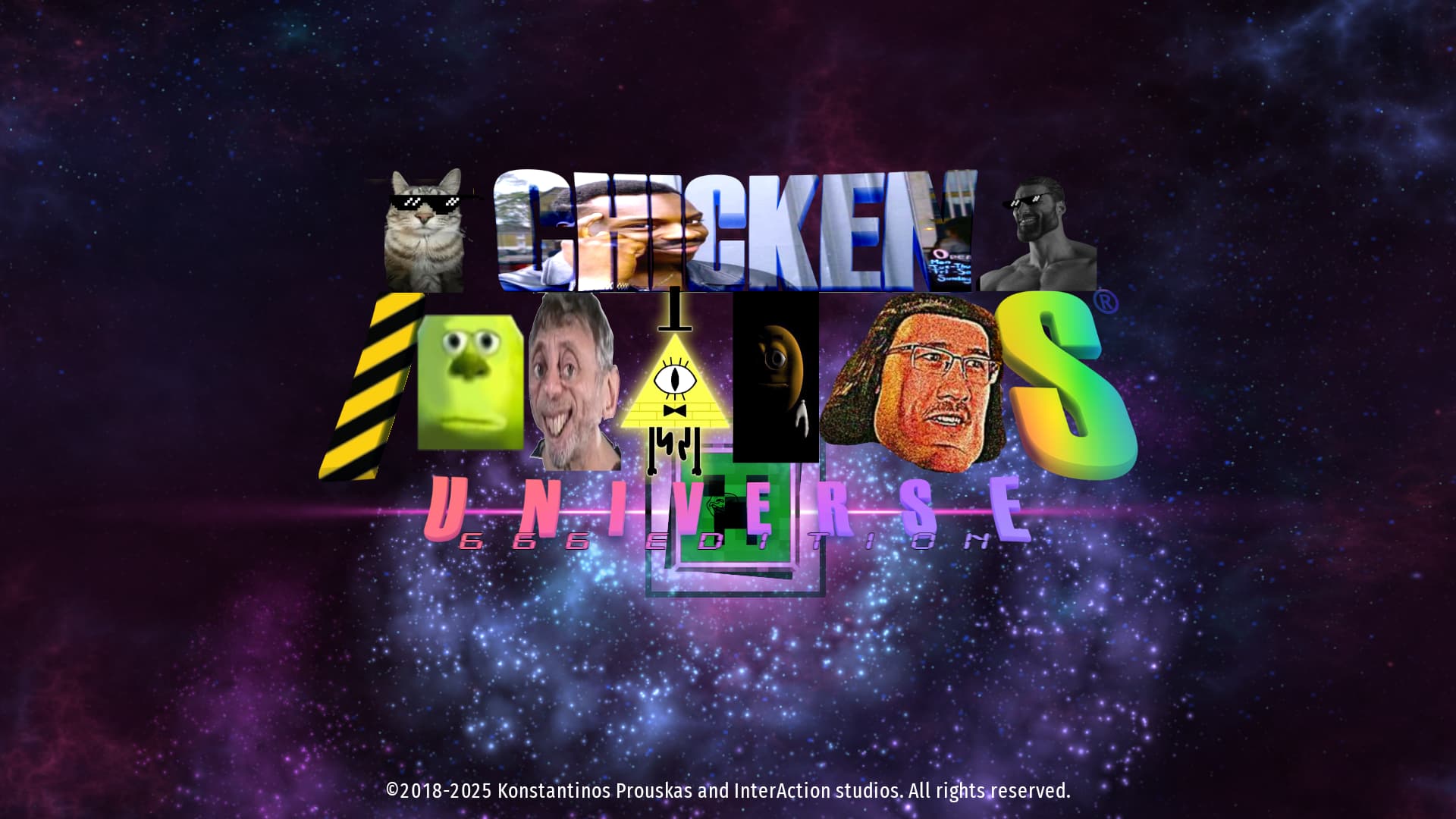
Mod created by @Marcus_M1
Download + Details: CIU 666 HD Edition (Unofficial)