GEN will be paused for the next two weeks.
16 Likes
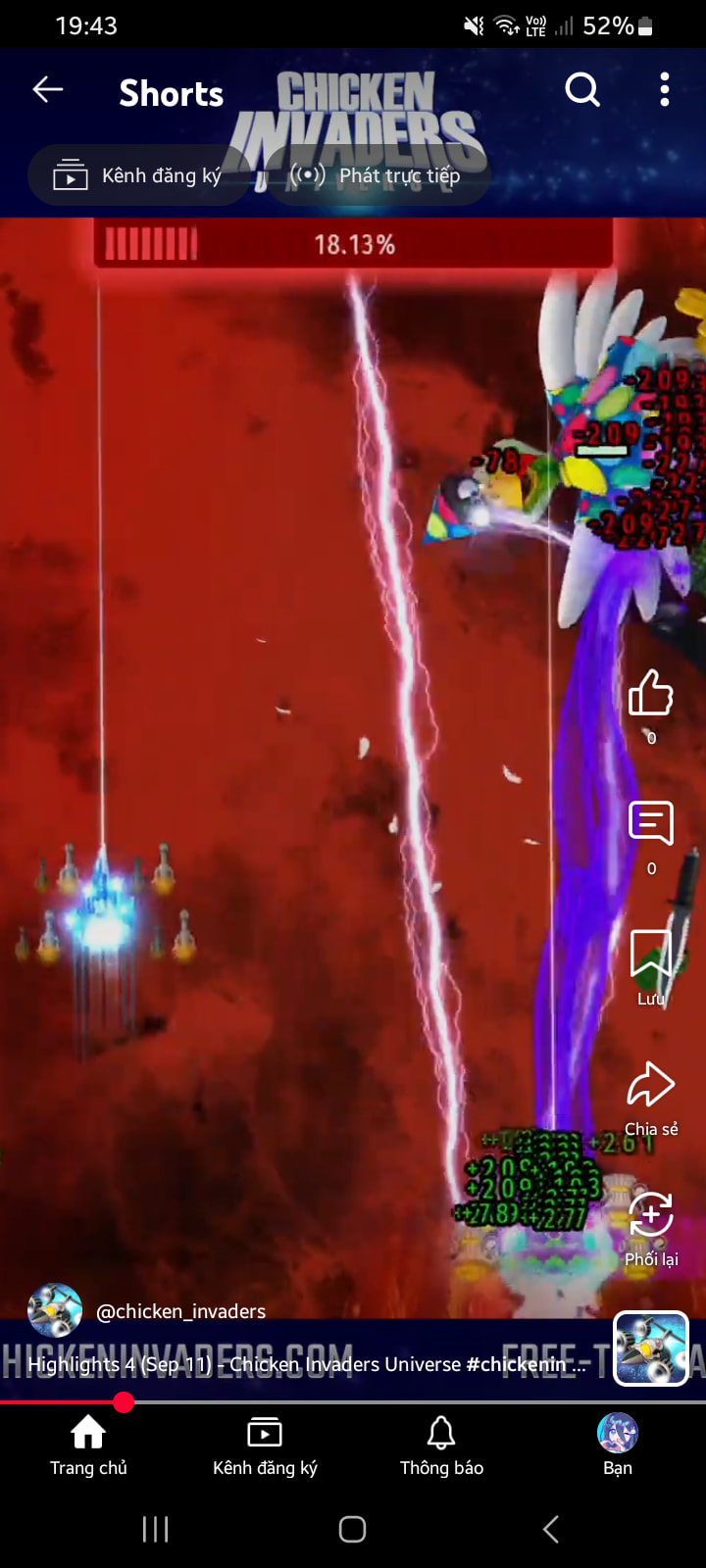
Need I say any words?
(Highlights 4 (September 22nd) first clip from @nguyenthanhan's session)

1 Like
I’m in the highlight over there=)))))))
3 Likes
Whose voice was that in the first second of this video, @InterAction_studios?

It’s 00:04 of this video: https://www.youtube.com/watch?v=DSc4mAfWdL0
7 Likes
I wonder how a random sound or music is heard in the video? And this is not the first time it happened
1 Like
Simple. There was another window open on the desktop, and I didn’t manage to mute it on time. OBS records all desktop audio indiscriminately, sadly.
11 Likes
I decided to check this and found at least two ways to do it (I am using OBS 31.1.2 which is at least 1 major version behind the stable release):
Way 1:
- Add an application audio source and set it to the game window (the cat).
- Capture the video any way necessary. Here it’s a Win10 mode ‘window capture’ with client area disabled.
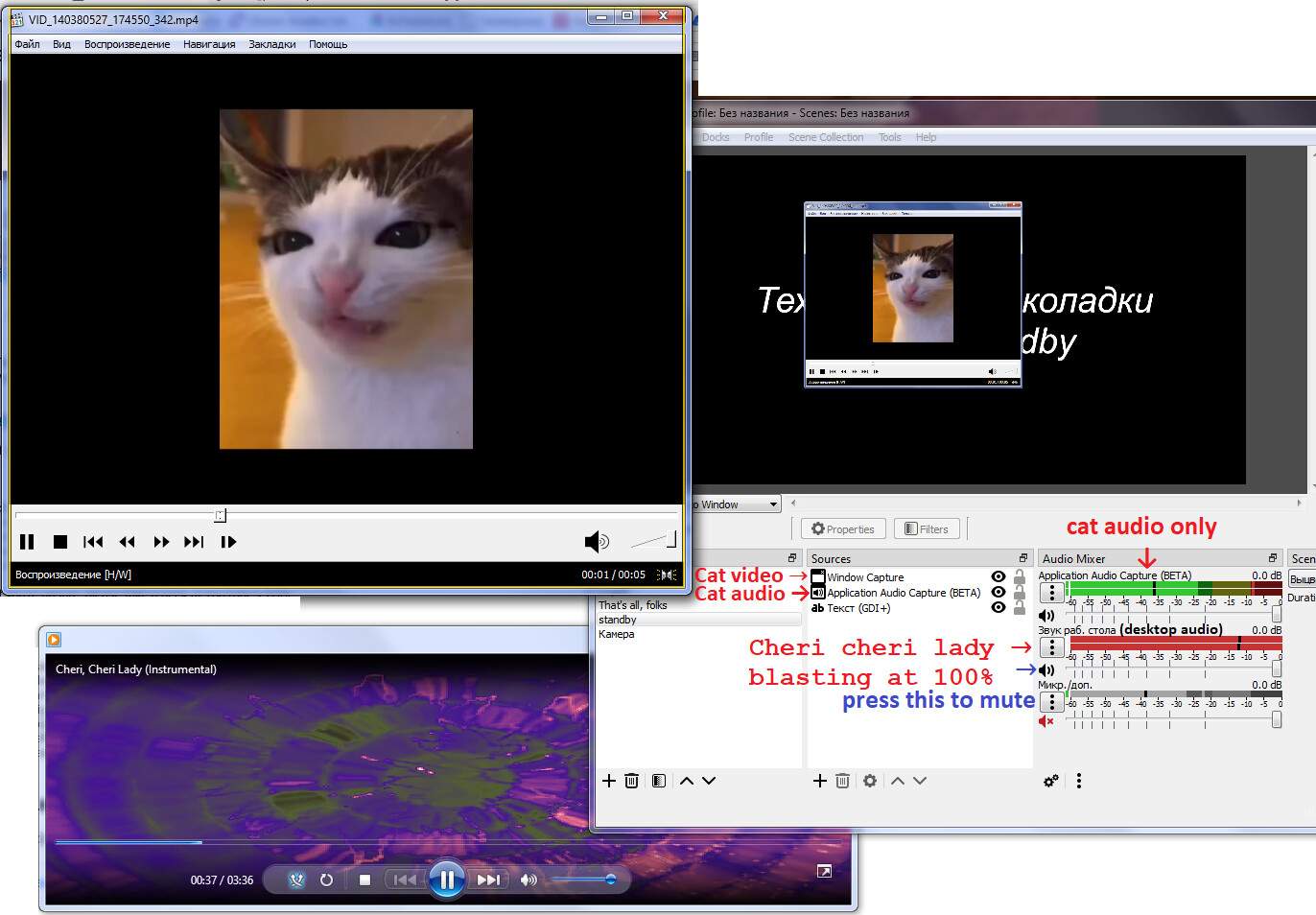
Way 2:
- Add a regular window (or game) capture and enable this in the properties:
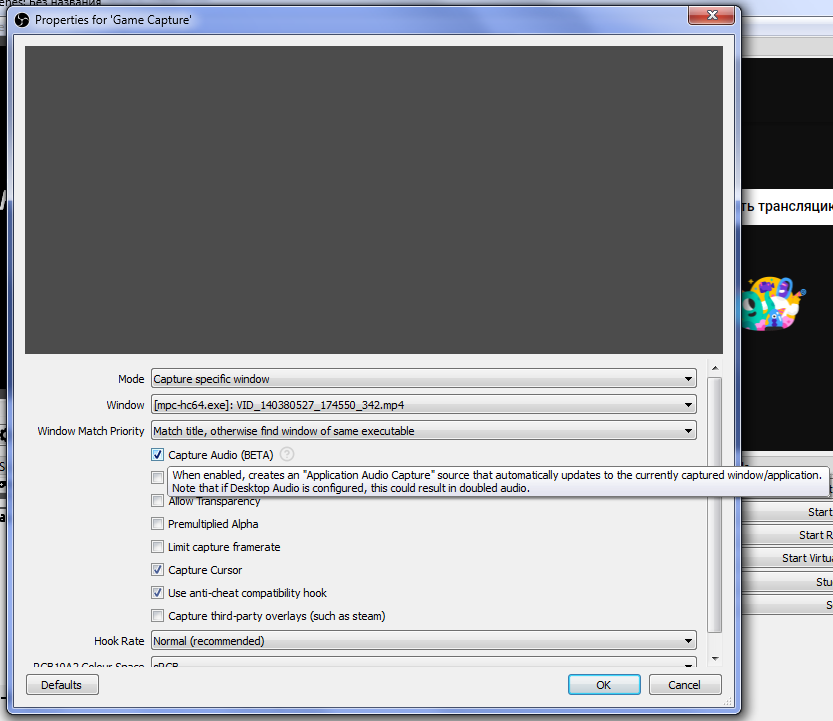
This will add the window audio source to the list automatically.
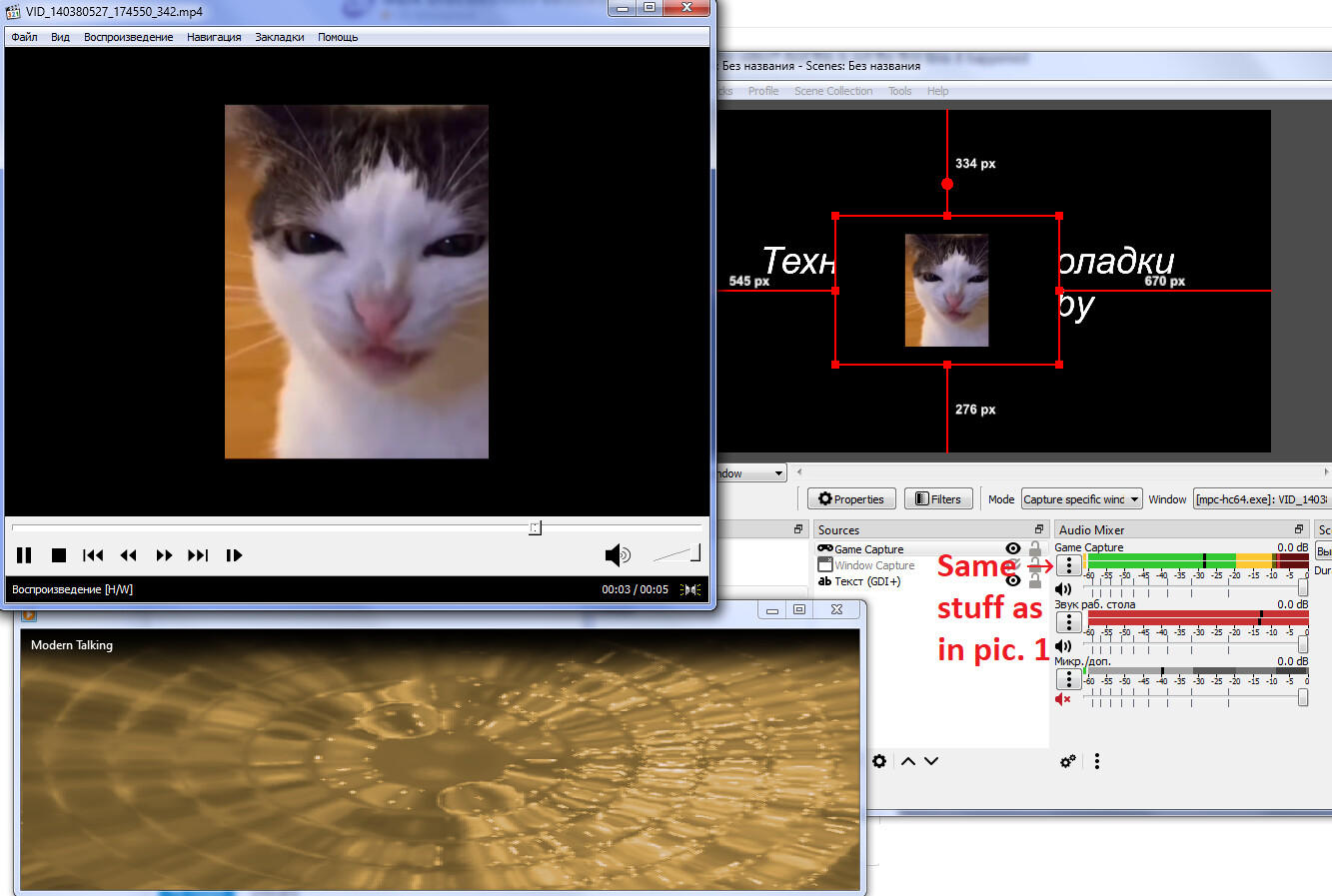
The catch in both methods is that
- It’s experimental as of v31 (I’ve yet to see this break, though).
- Two audio sources from the same window can’t work, only one will go through.
- You have to remember to mute the desktop audio or it will layer both sounds at once.
5 Likes
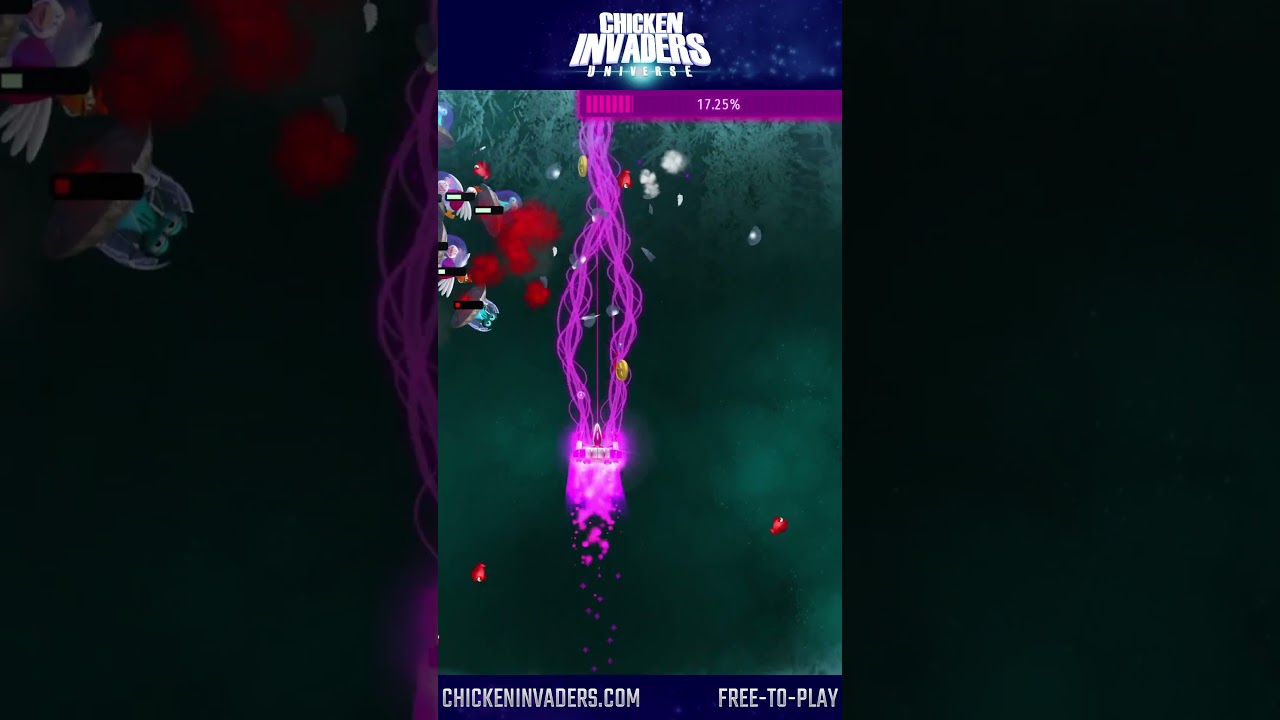
@TendouKei, you’re on the highlights! (First clip of Highlights 5 - October 12th)
3 Likes
@InterAction_studios, seems like all highlights on October 16th have the audio delayed for a bit.
Uh, the audio is delayed again:

(This also happened to other October 17th highlights)
Huh… odd. I don’t see how that’s even possible 
7 Likes
GEN will be paused for the next two weeks.
8 Likes