The main point is that you still have to aim to drag and drop the items precisely in the empty slots (though it’s not hard). Spamming double click is much faster.
What can make it worse? Add a shortcut to mount an item to all empty slots (extra lives?).
Best solution for this problem: do the same way “Cardinality of Four” was designed.
Danger zone, execute, then danger zone again, then execute.
Granted, it’s a bit slower this way, but the danger zones are shown more effectively, which reduces the chance of unfair deaths (due to new people not knowing how the wave works).
Since you bought chl (or keypack), ad now it’s gone. But there’s a space at the top of it so I think put this thing at the top should be help like CI on phone did.
Mission Completion Screen: Hitting the Back button should put you back to your last opened screen, and not the Galaxy (unless you've recently finished a mission assigned from the Mail).
I often find it annoying when I’m clearing out my todos, whenever I’m done with a mission and want to start another one quickly in my to do list, I always go through this cycle of
hitting back button > hit my head in the Galaxy screen > hit the Missions > To Do > select the first mission that’s there
so this should help with that alot.
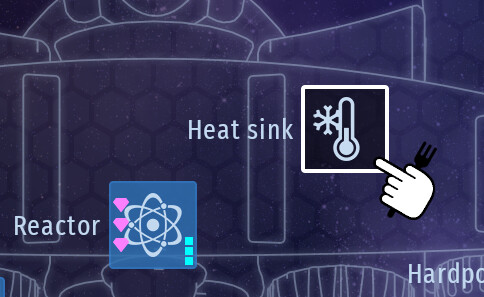
Heya again. I was thinking, is it possible to make it so when we double click a part to equip the ship with (engine, reactor, heatsink) from the top of the list? (assuming it’s already ordered, I never bothered to buy more)
Just so we go through the equip menu faster, that’s all.
 who said that?..it is a good ideea …