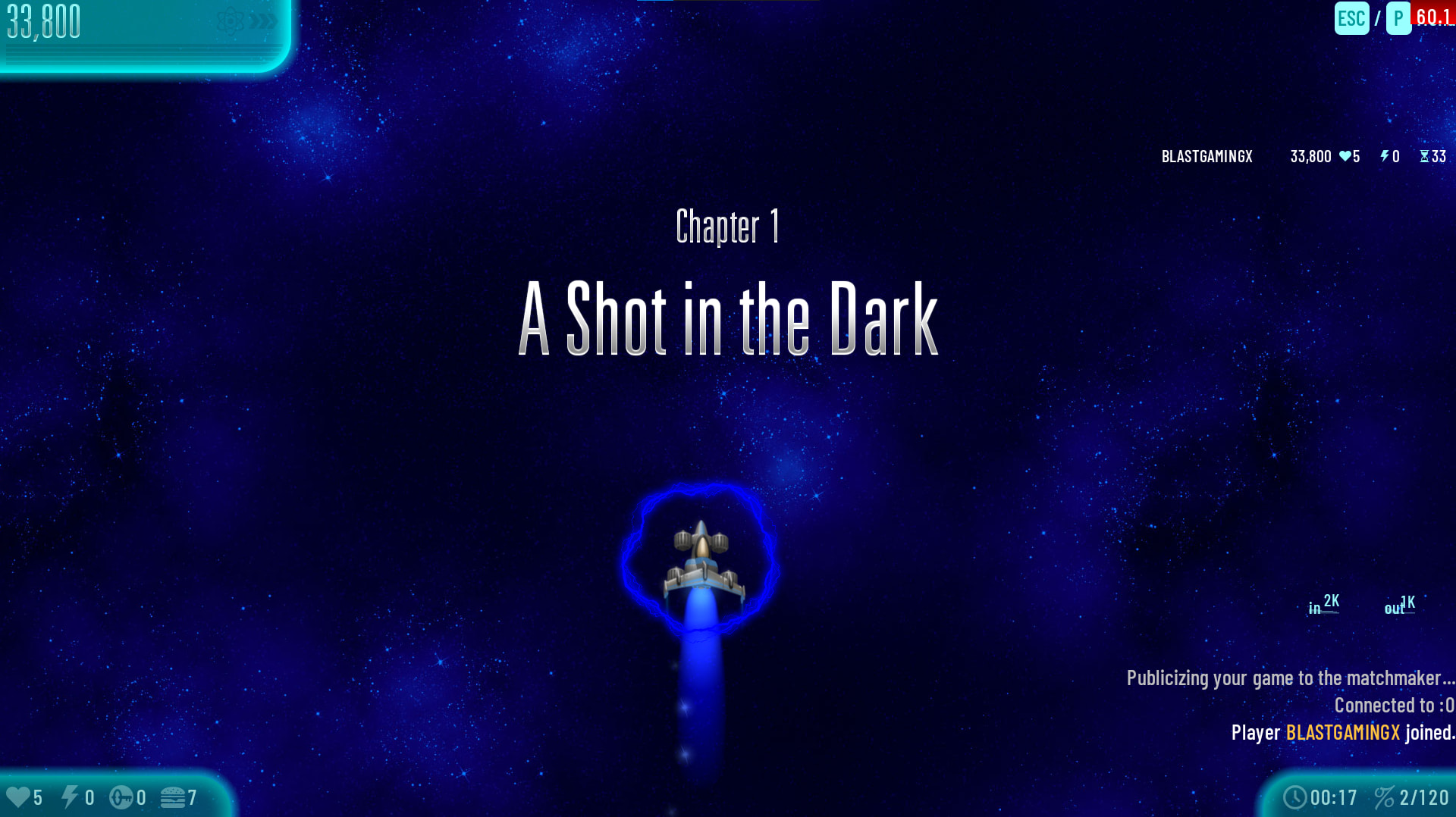
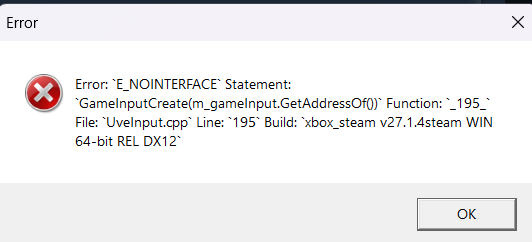
Install this i guess… not sure about the activation
I would suggest you to go to a physical shop and get windows 10 newest version on your PC
Install this i guess… not sure about the activation
I would suggest you to go to a physical shop and get windows 10 newest version on your PC
Bro I am updating
okay okay
Are u angry?
Seems people doing so heavy work check the problems strictly, hope the collection works better 
Download completed 
It took me 2hours
Is it working correctly now?
My lights are gone again
Fixed in v.28  Bug
Bug
You connect your controller to xbox to play some Chicken Invaders but don’t know how to chat? This conecept tutorial will teach you how to do so.
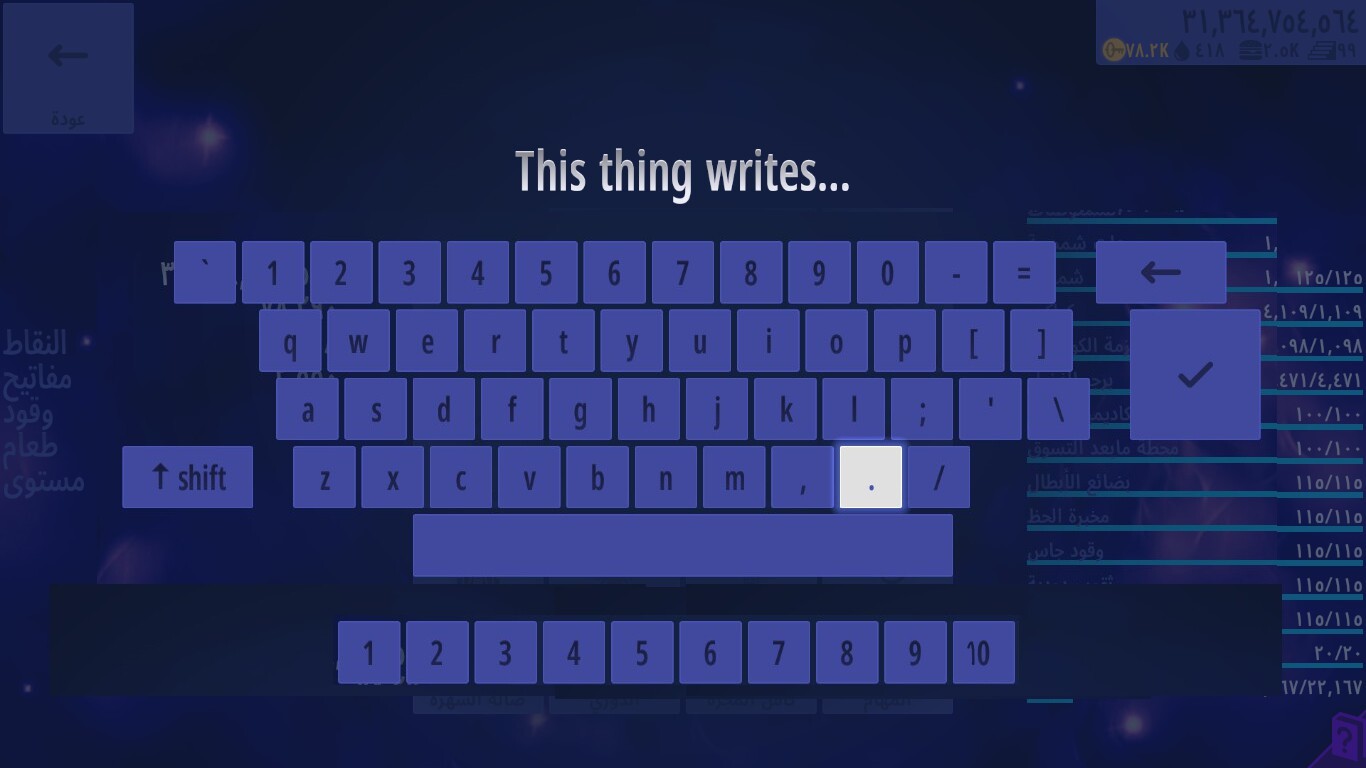
In multiplayer, press the menu button ( ), the menu button acts as a chat button in multiplayer games. A keyboard like his would appear infront of you:
Use these buttons to select and type in a word

i know its slow, that is why we have the hotkeys option
(the numbers you see at the bottom of the keyboard screen)
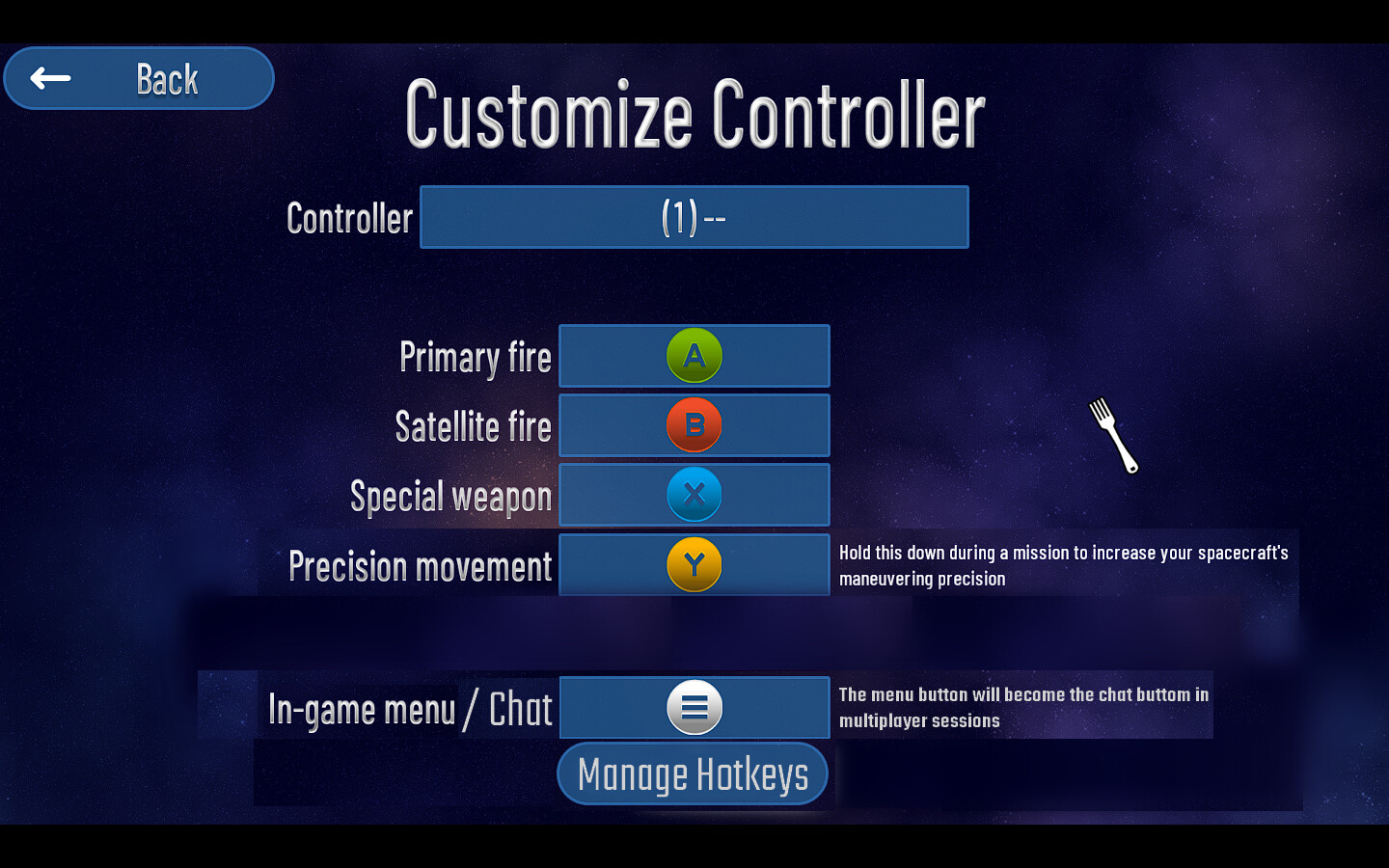
Firstly, Go in Options → Controls → Controller → Customise Controller
A screen like this would appear to you:
As you can see, the ‘menu’ button changes to ‘chat’ in multiplayer games.
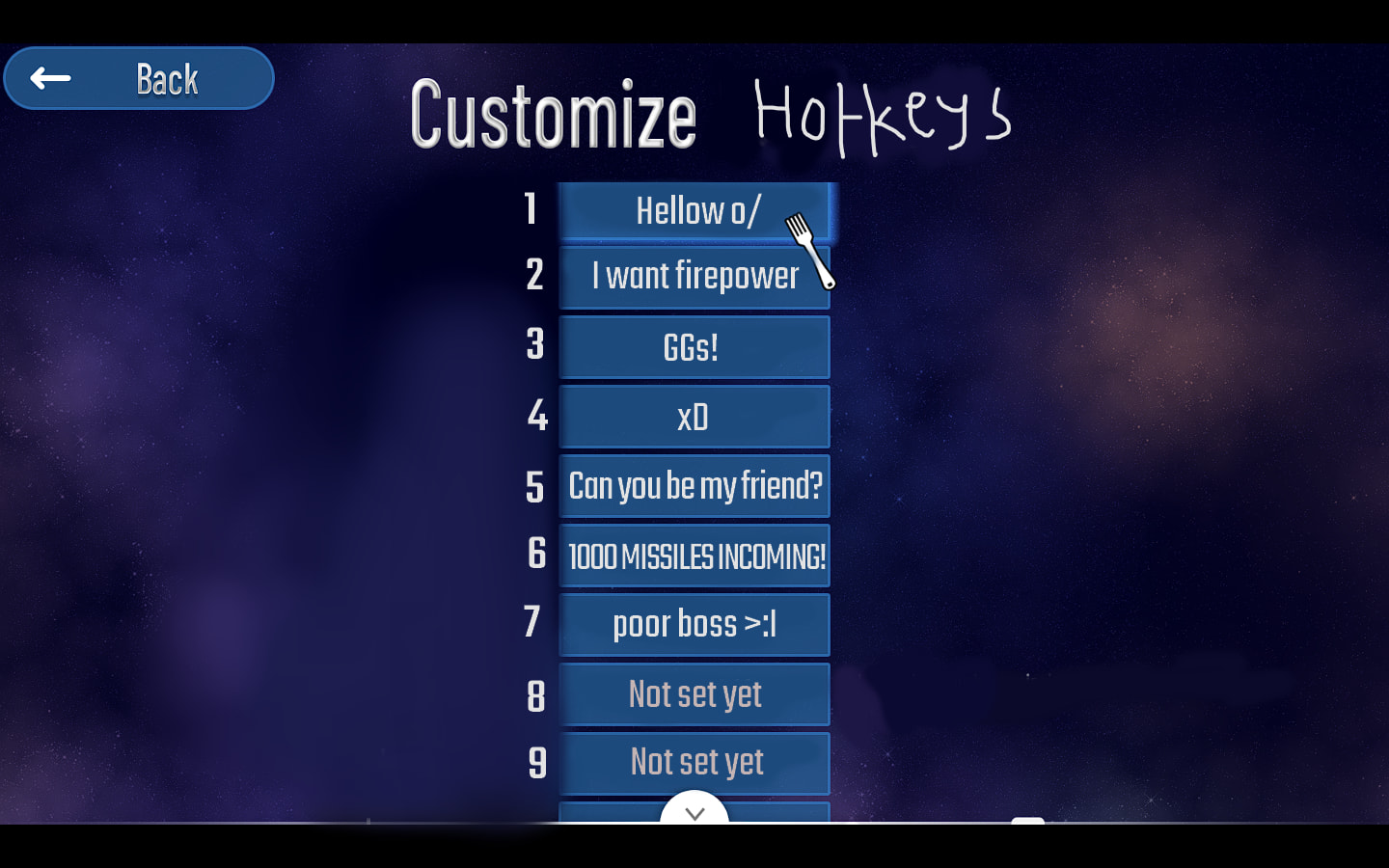
Click the ‘Manage Hotkeys’ options, making this screen appear to you:
You can set custom hotkeys here and when you press them in the multiplayer games, the desired message will appear in the chat. There are a total of 10 hotkeys.
Thank you for reading and I hope you understood how to chat using a controller.
The top button is impossible to fully see (a small part from the top if hidden)
Hey IA when i can i have the playtest,i requested to join
I will try later and let you know.
when iA approves the request
Did you install this?
oh ok thanks, and I tried it. It works well now
I’m not entirely sure if that was a thing before (and i dont think thats intended), but now whenever you’re in the multiplayer game browser or hosting a mission and alt‑tab, the game puts you back to the main Multiplayer menu.
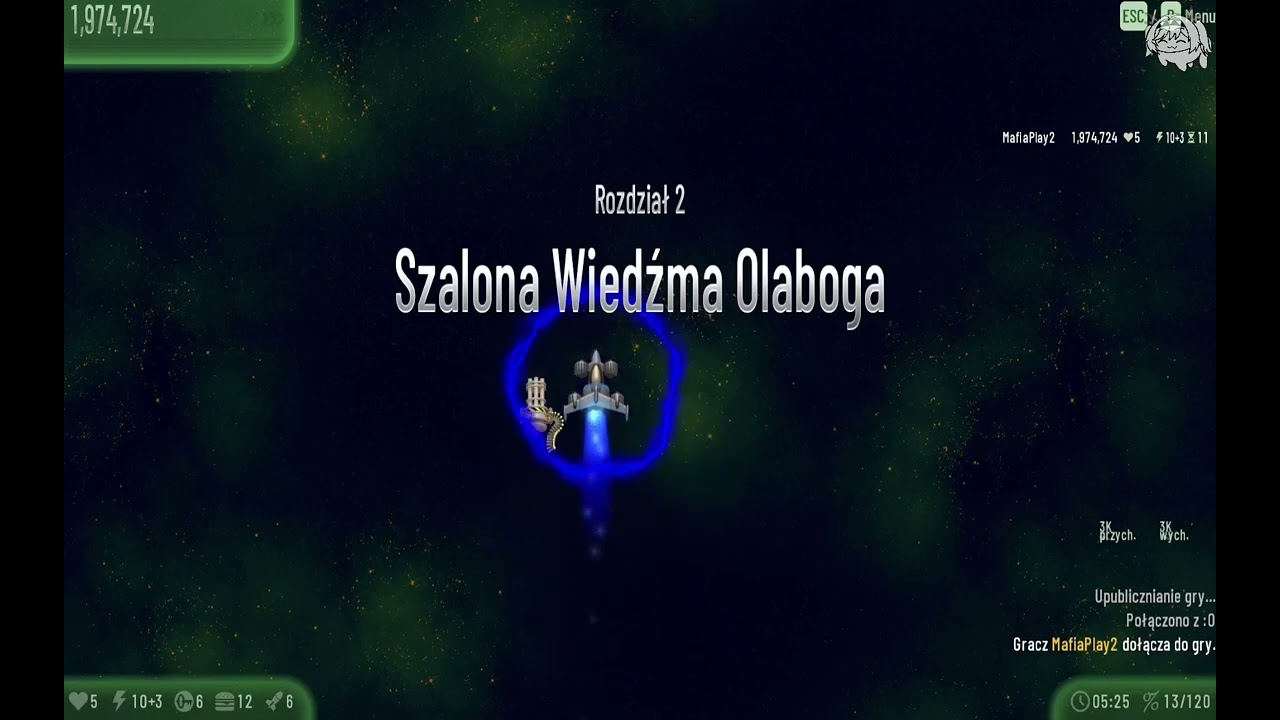
Is Options → Graphics → Advanced → Display set to “Fullscreen”? If so, then that’s expected.
But it should not happen for “Window” or “Borderless”