Hello, InterAction! For some reason, the multiplayer feature seems to be bugged, as shown in the attached image. I hope the developers can fix this issue and get multiplayer working properly for everyone as soon as possible. Thank you!
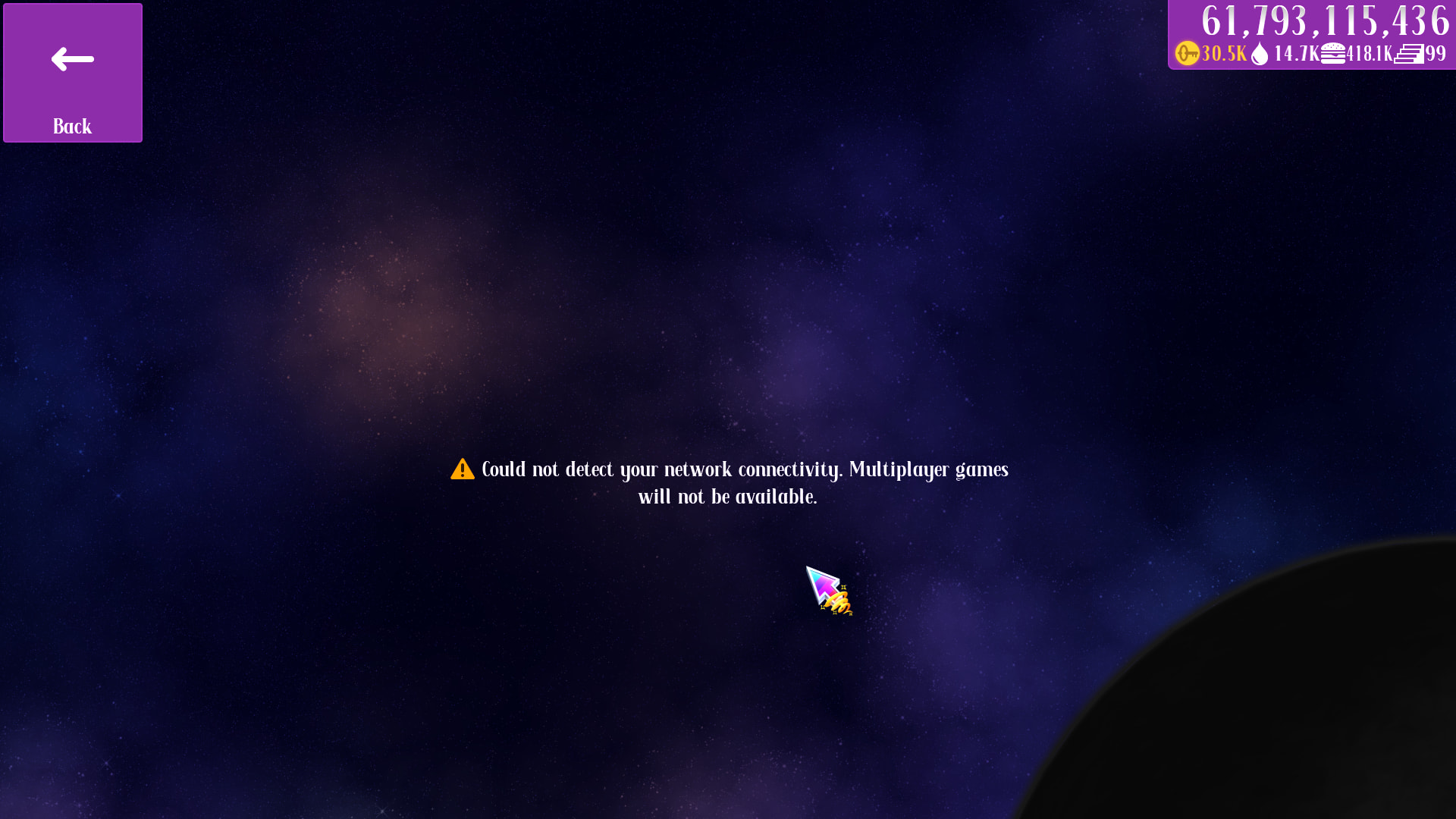
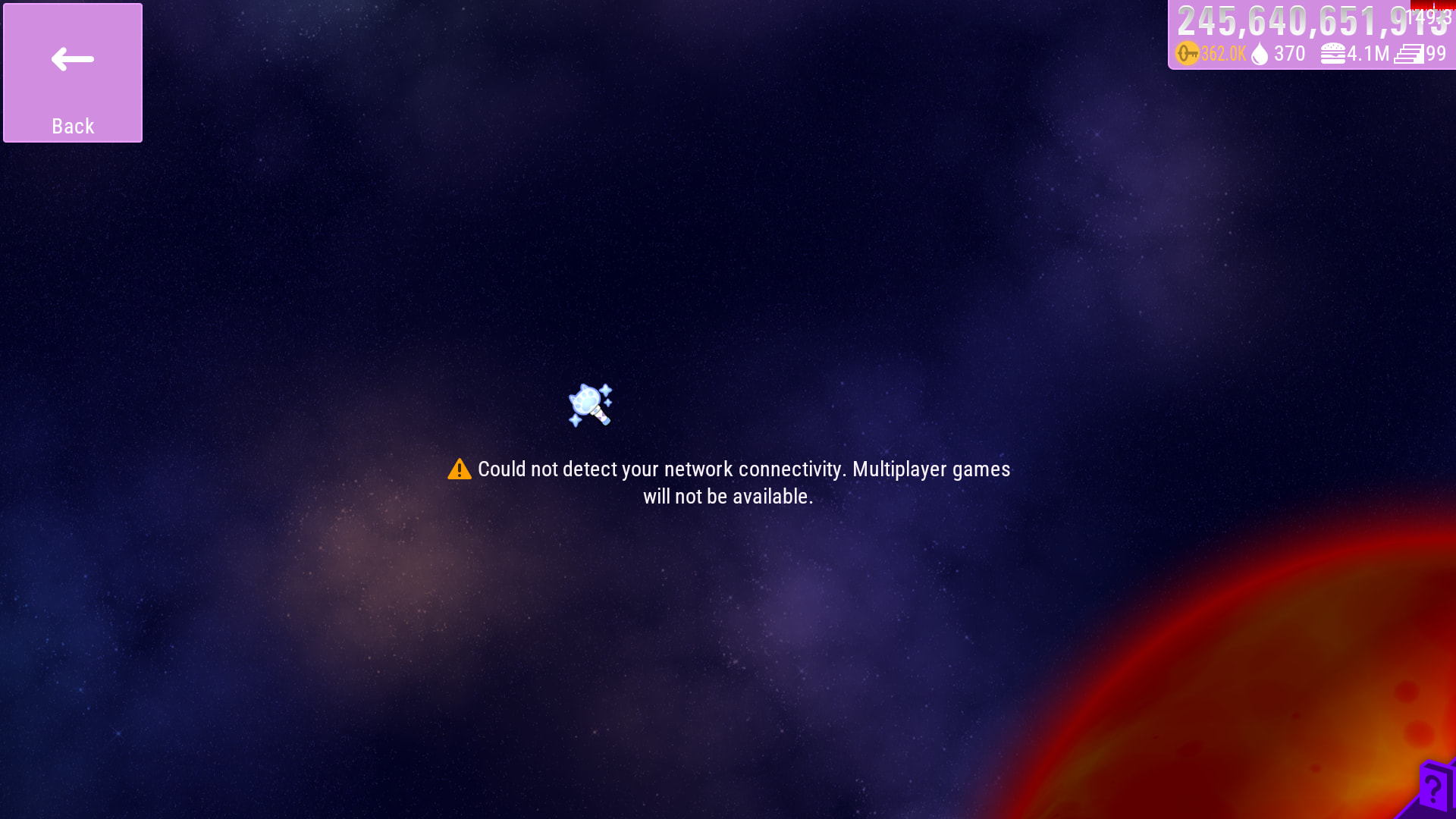
Y’all need to be patient until IA gives a response.
4 Likes
Sorry about this 
Restarted multiplayer server.
19 Likes
its ok 
You’re 1 day late, but it’s fine.

This is the multiplayer room of the Cup Qualification Match.
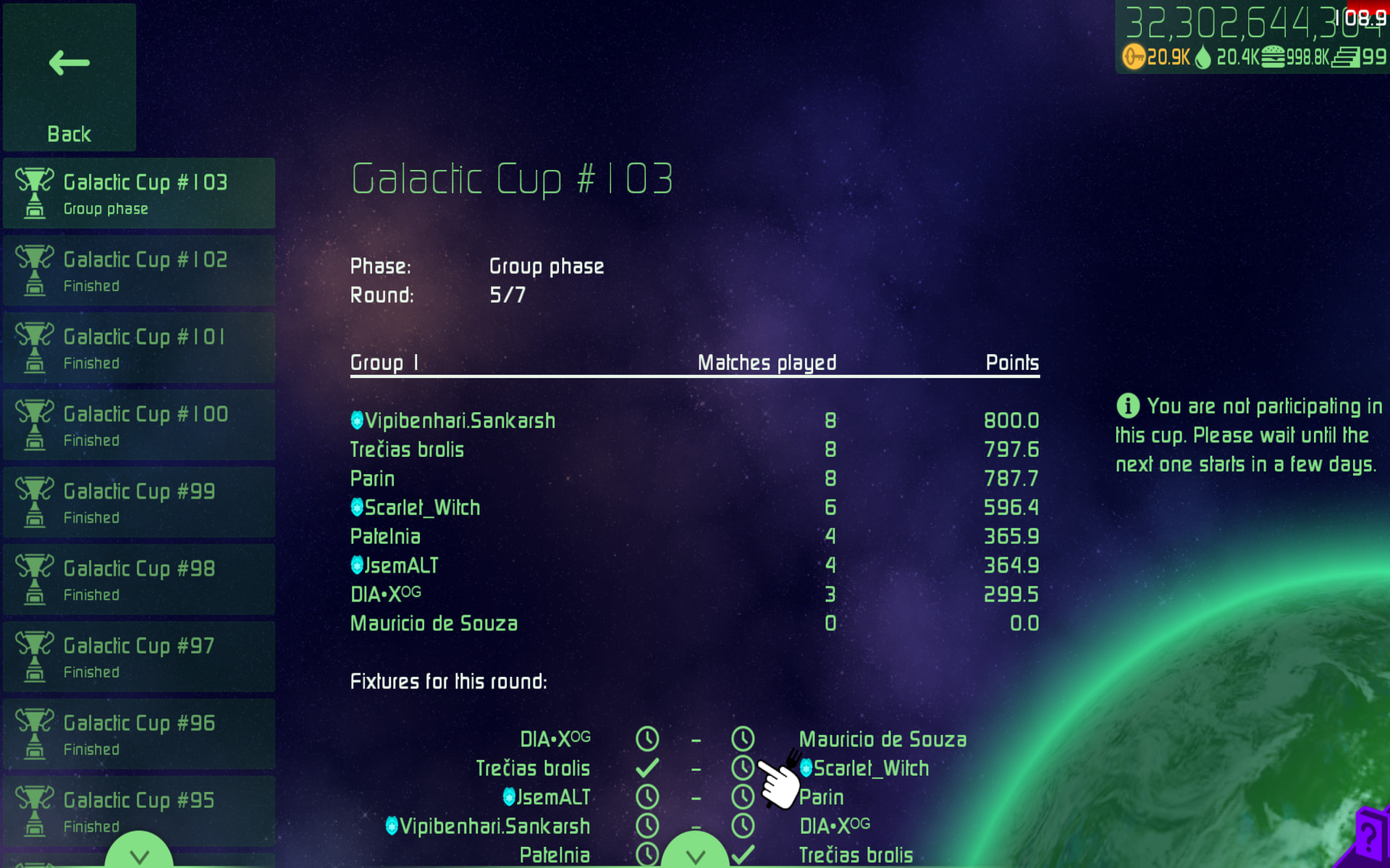
(All Picture i screenshot are in the same time at this moment)
How the heck he’s still playable after the Qualification Match? Is this a exploitation or a Bug that’s been intended to be on that player?
by the way he maybe already played half of it and that mission was saved on recents section so thats why
that can be a reason
And that is the answer of your question about it
Idea: The wave completion bar’s instantly appearing should be changed to a brief fade in / fade out transition just as suggested onto weapons:

Bug / Error: Despite the whole colour theme being invisible, the helping “Esc / P Menu” has a solid colour (a mod is making that gradient, it’s white normally)
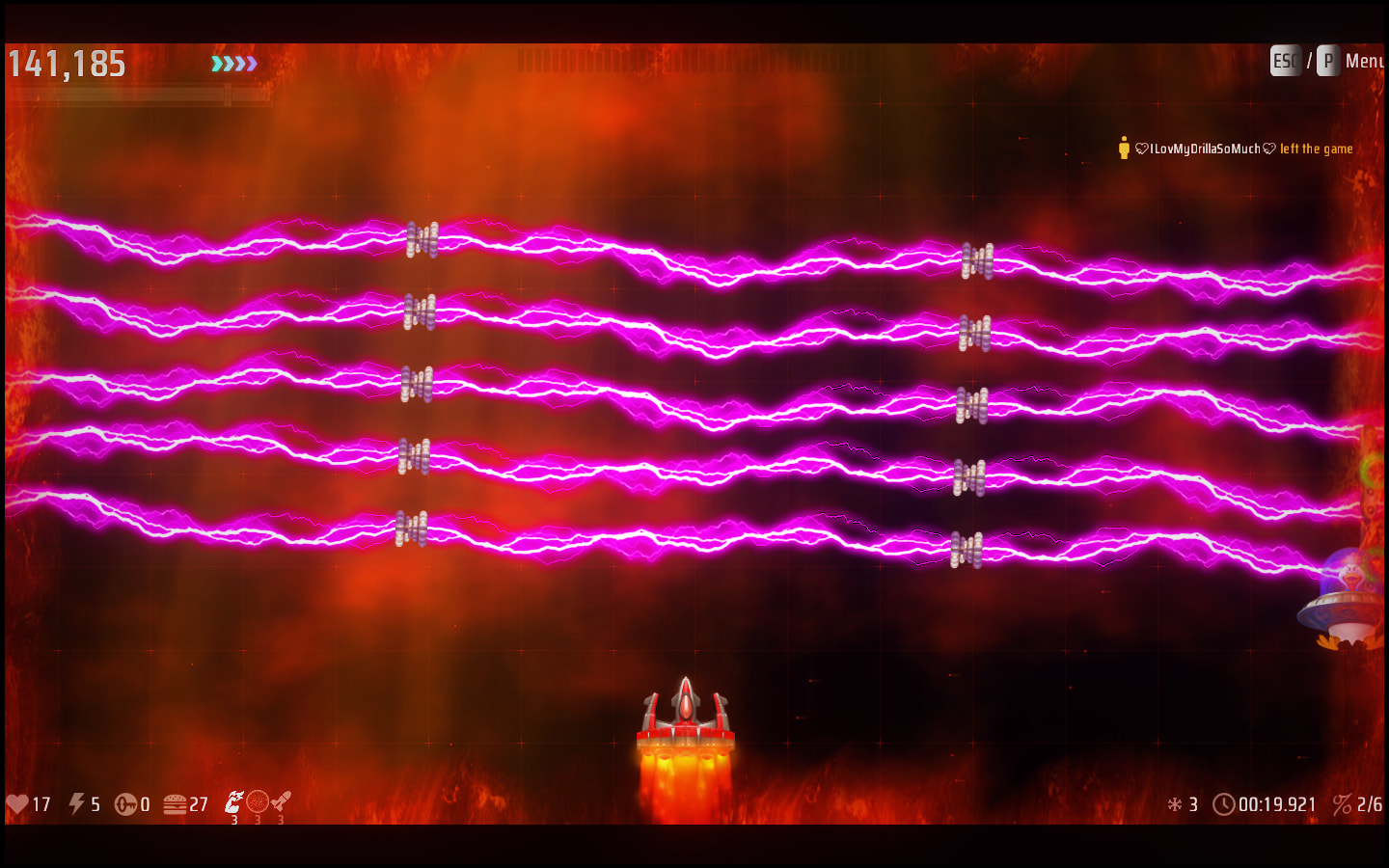
Most probably, the game file that contains the texture for it is not being affected by the colour theme. Now I see that it would reduce the visibility but what if the codes chooses the whole phrase “Esc / P Menu” to be white or black depending on the colour theme?
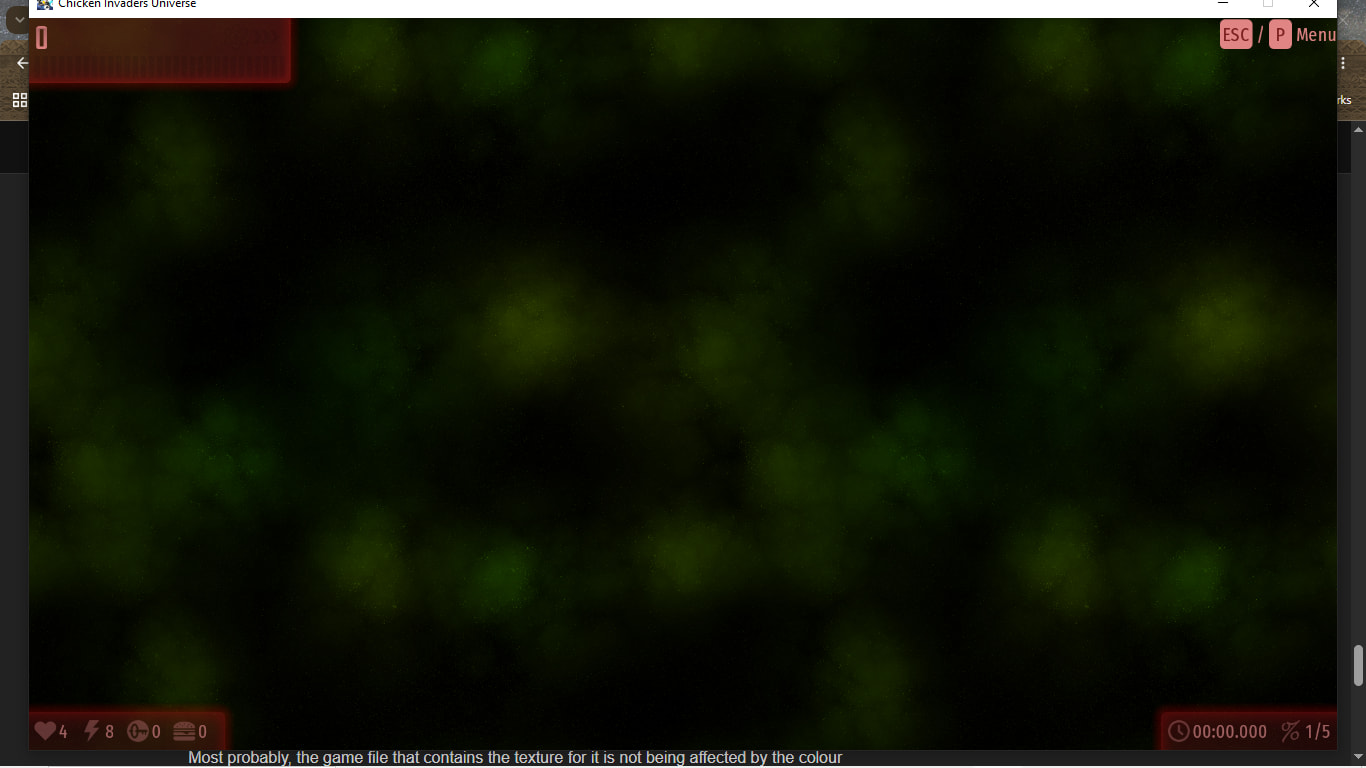
There is a weird bug related to “Precision Movement” thing in CIU games on the PC, it works only if you’re moving the ship with the keyboard binds, not for the mouse movement
I also found another bug (but it is related to CI4), If you have finished your first loop and went for loop 2, loop 3, etc… and then you stumble upon wave 9 (which is supposed to have that safe that holds a satellite), the problem here is that I am forced to wait until I pick up the satellite or wait for it to disappear (in case I don’t have any spare slots for it), and it takes so much time, why not make it only just for the 1st loop of the mission and any loop after that doesn’t receive that feature?
It is the intended use case for it, as the mouse allows you for movements way more precise than any keyboard setup could.
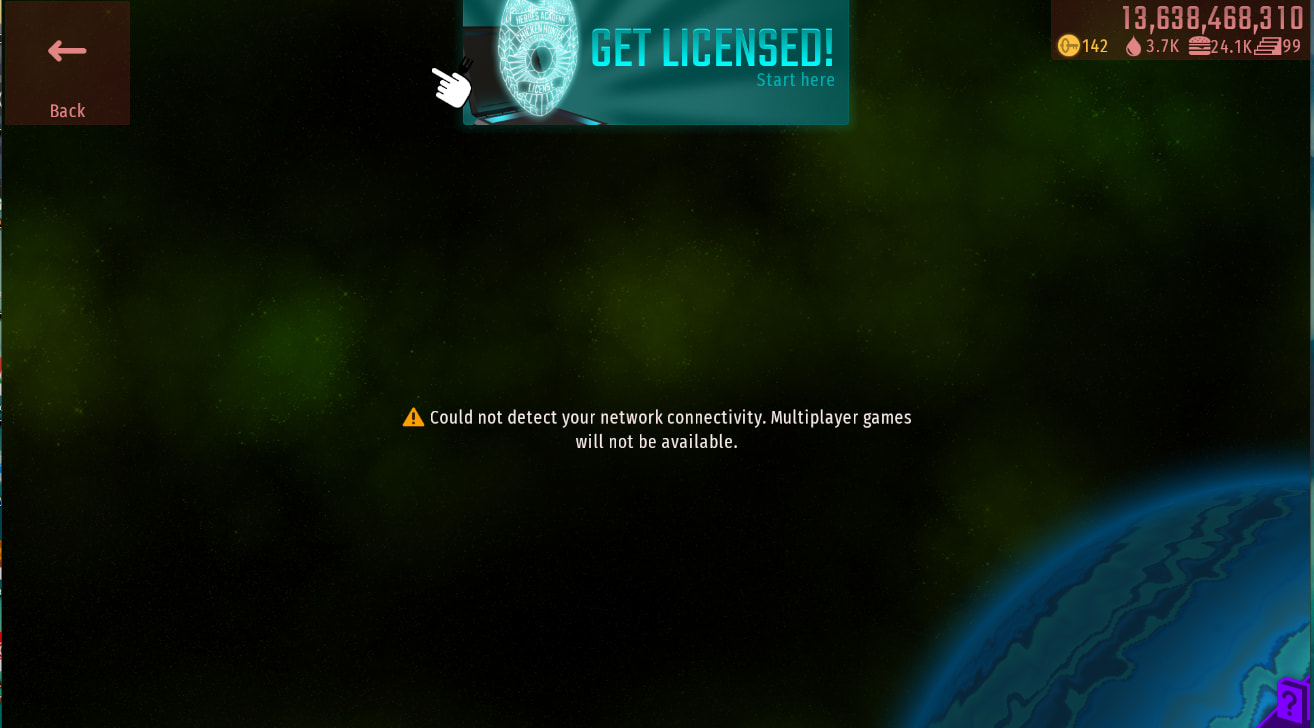
Working fine for me
well maybe net issue
For some reason, the background doesn’t move. I’d like to share a clip of it
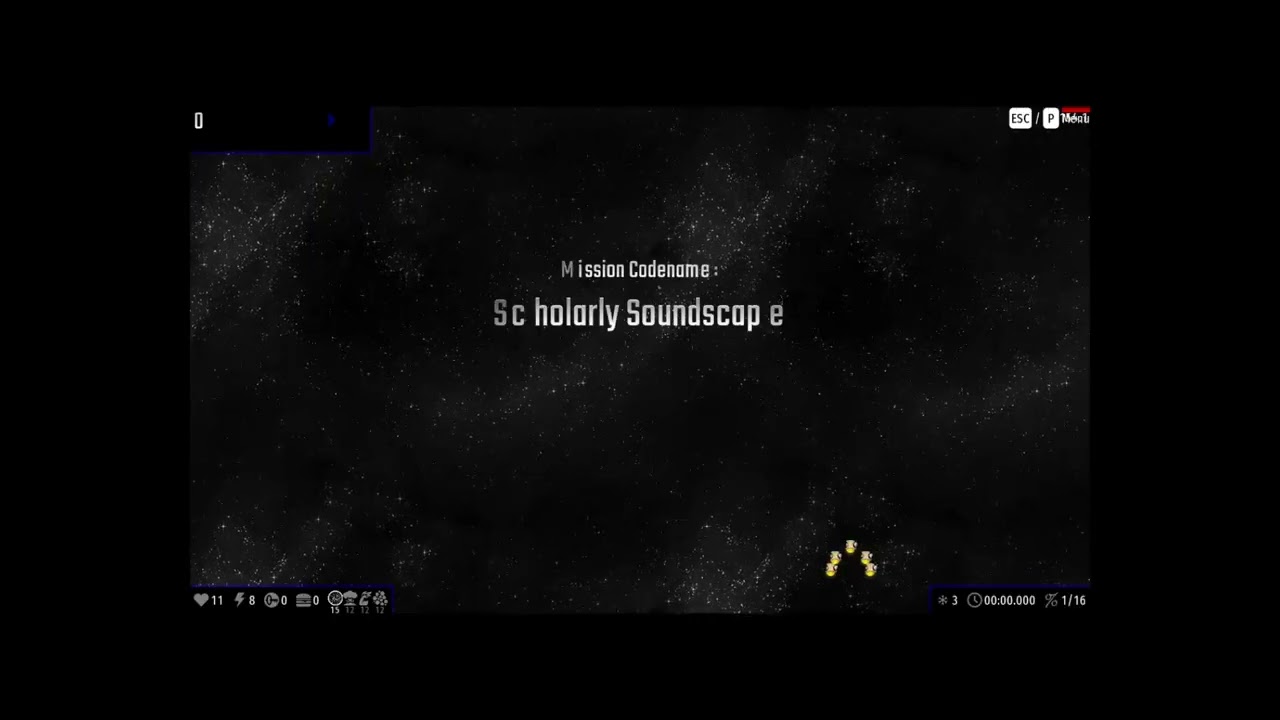
Same thing happens when you click on ‘Play’ button
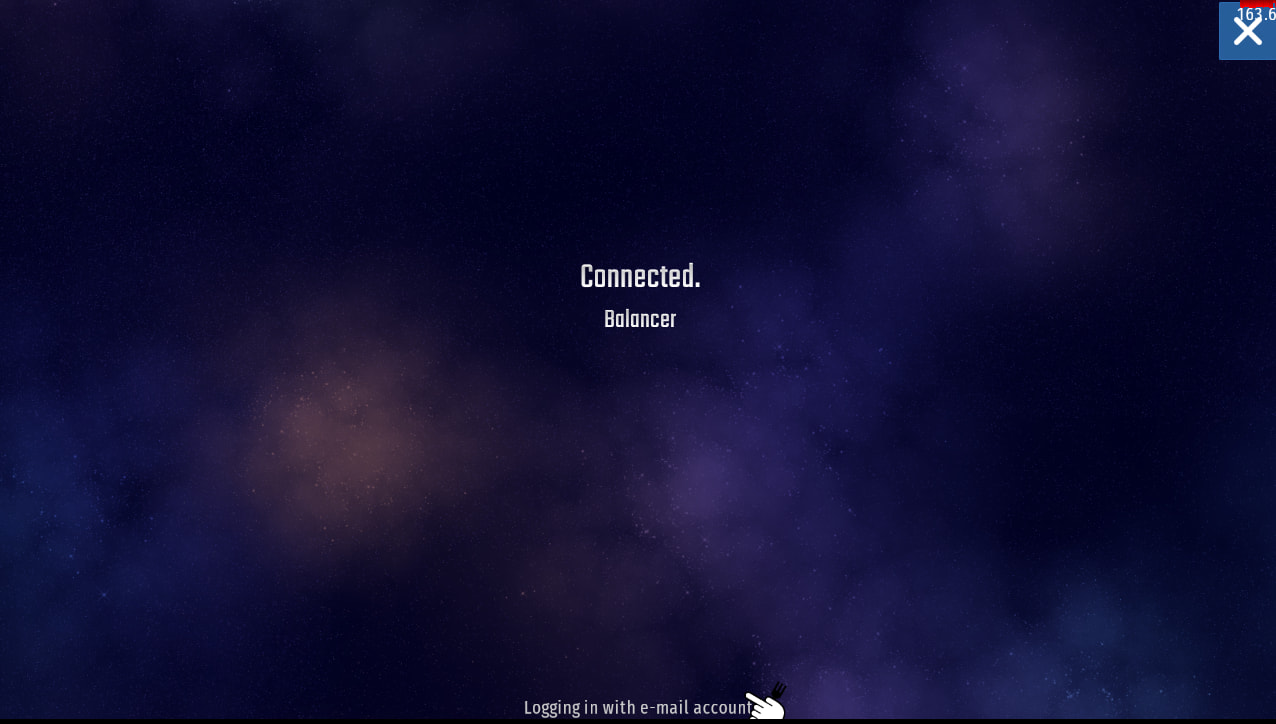
Can you check if “Starfield Scrolling” is turned on in options -> accessibility

2 Likes