Besides the clones need to be different, otherwise it won’t look good
nice pinanas its good :3
Small Update
After playing around with nodes I asked… What if I made the rings customizable? Well, here we are:
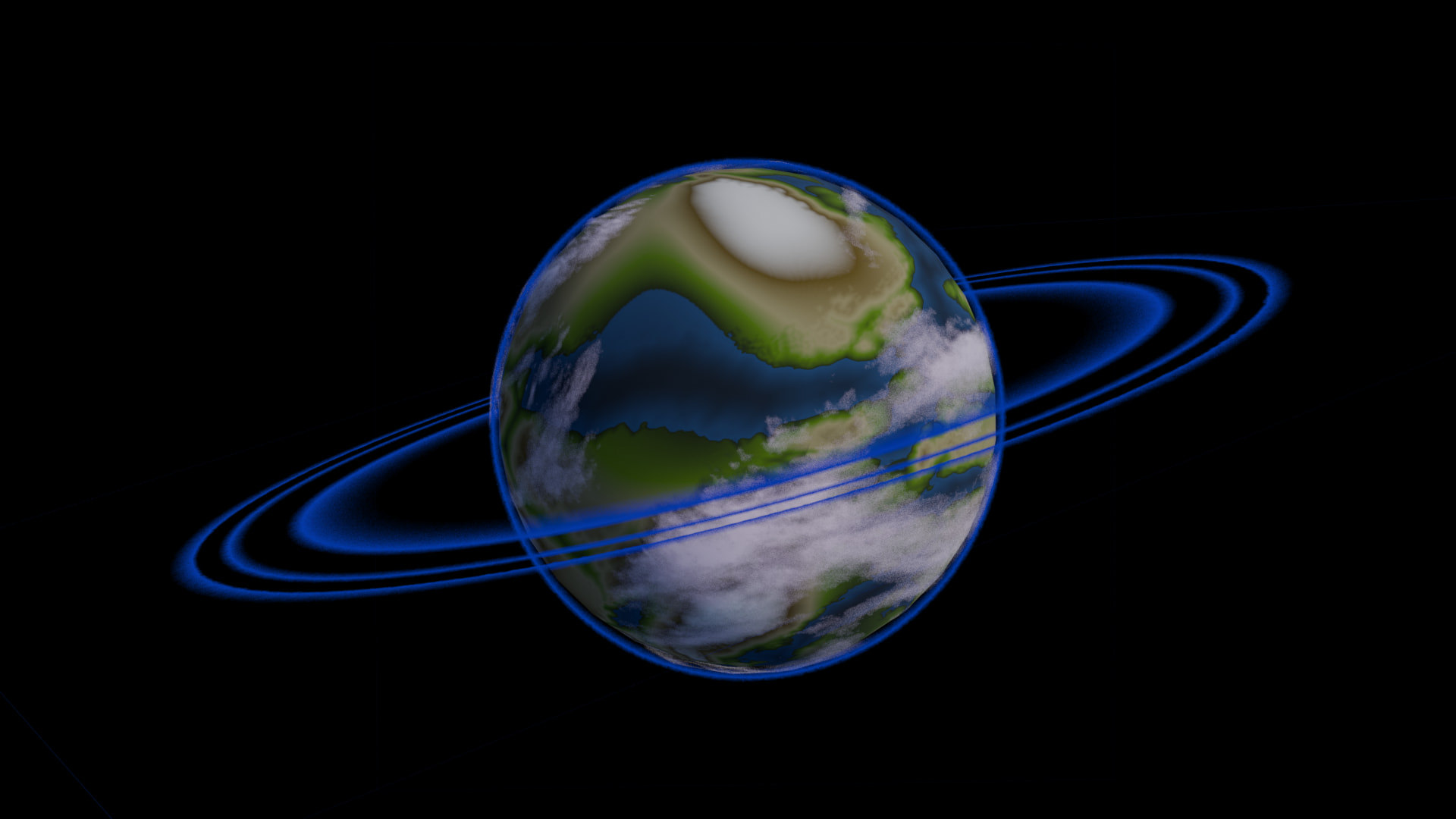
So editing them is easy. The main ring/Atmosphere have that limit.
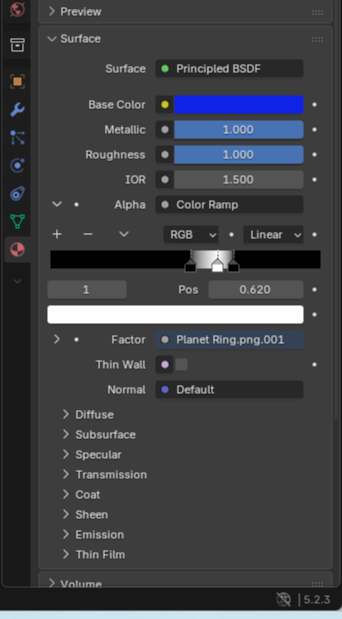
Try to not make these far from the original position as they can make the atmosphere slightly out of the planet, still, this can be useful for editing the thickness to make them more like satellites or giant planets.
The rings are a bit complicated..
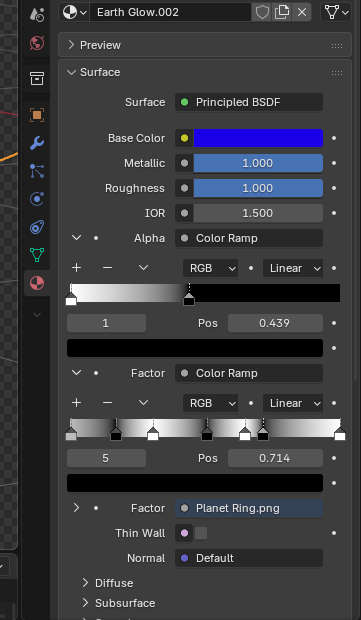
We won’t edit the first color ramp, our goal is the second one, make sure the start and the finish have white color otherwise you’ll break the transparency.
The number of rings is controlled using these black areas, they should always have white points a the sides. Not too much to talk about here but it’s just a nice tweak to make the planet system feel complete.
But now what do you think I should model next?
- Supernova
- Shoot the Core
- The Henperor’s Apprentice
- Barriers
0
voters
That’s all I have for now!
its nice pinanas :3
A new object approached. introducing the star!
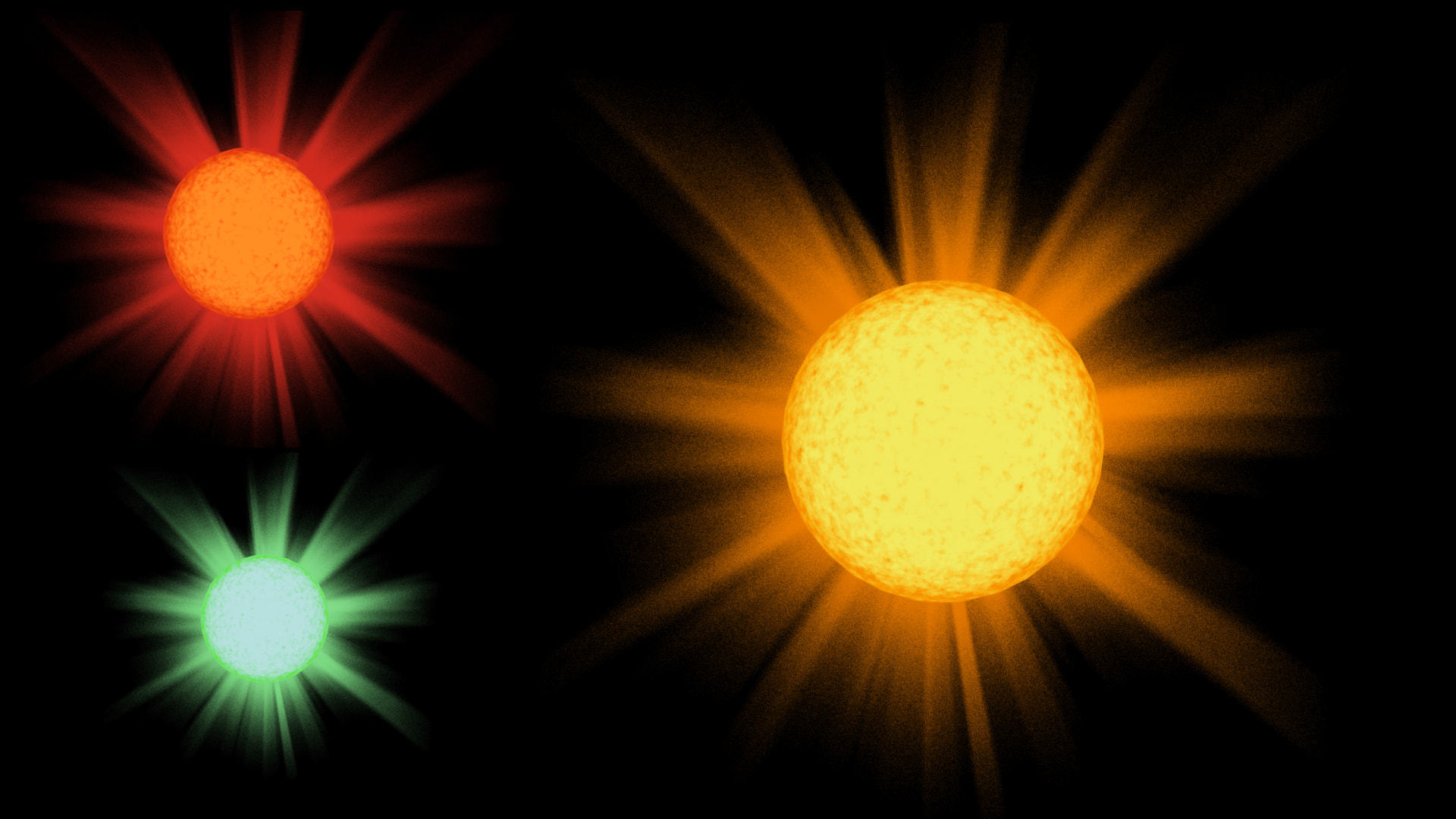
Finally something new but how? Basically there’s a node called Layer Weight which basically makes a gradient into the inwards of an object.
And if we mixed it with the noise texture. we get something like a star! Unfortunately the shine is a flat 2D image. But I guess that’s ok as the next thing to show is…
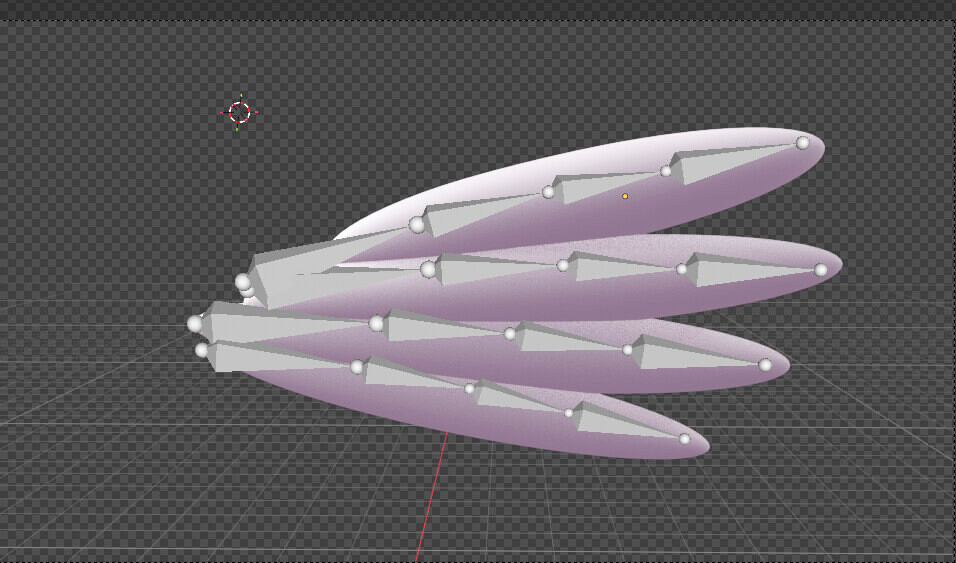
“That’s it? You covered the wings with weird triangles… Can you please remove them? They look distracting..”
No these triangles are the new wing rig! Which can edit the wing directly, something like this!
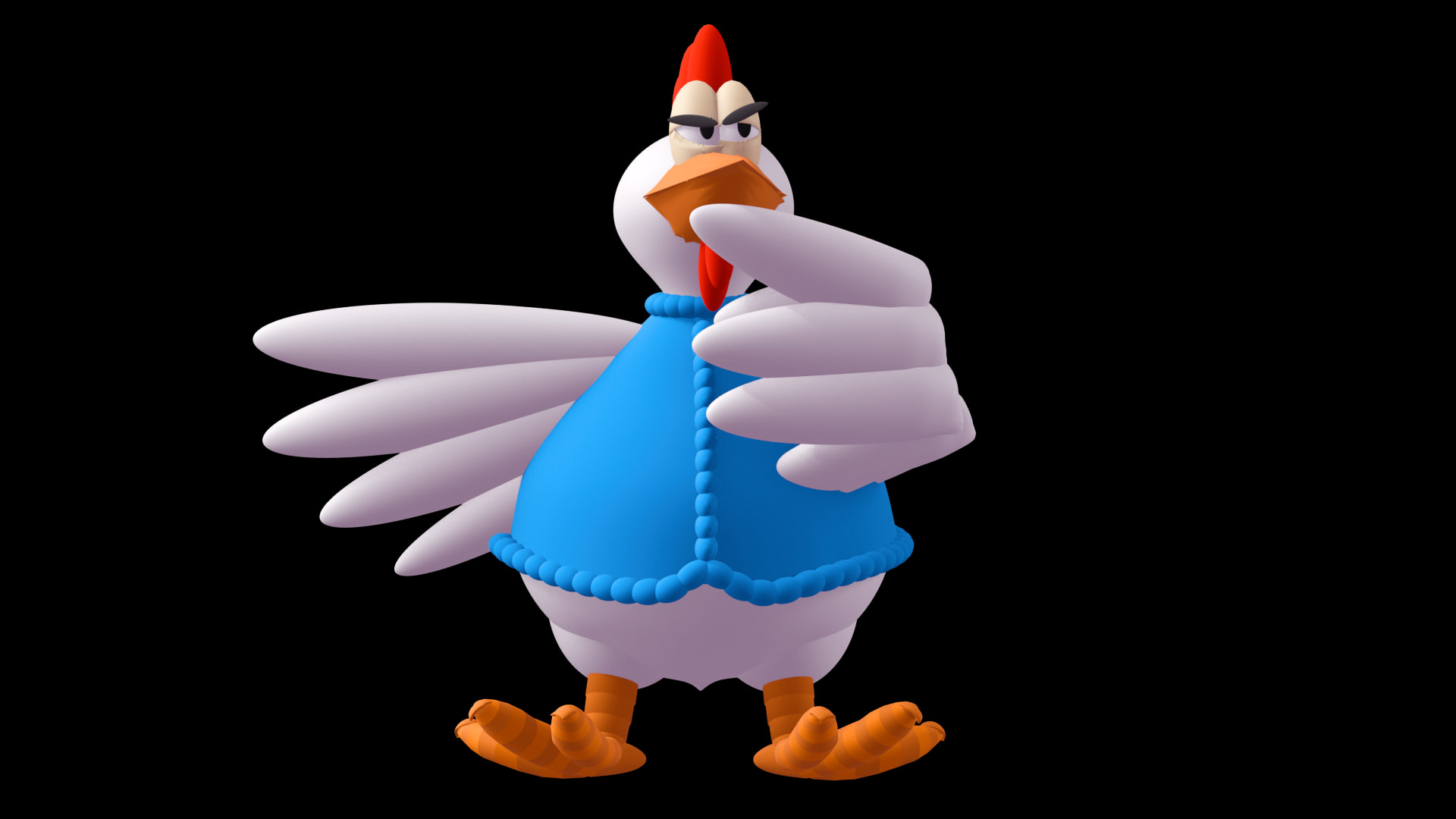
The wing currently is in the objects folder and you can copy the wing directly or copy the rig only, just Alt+P everything while keep transform. And apply it to other wing model of another chickens and parent them with “Automatic Weight”
The only issue which I couldn’t solve is that it doesn’t work properly with sleeves. No workaround for this for now. But there’s good news!
The Model Pack now in Blender Artists!
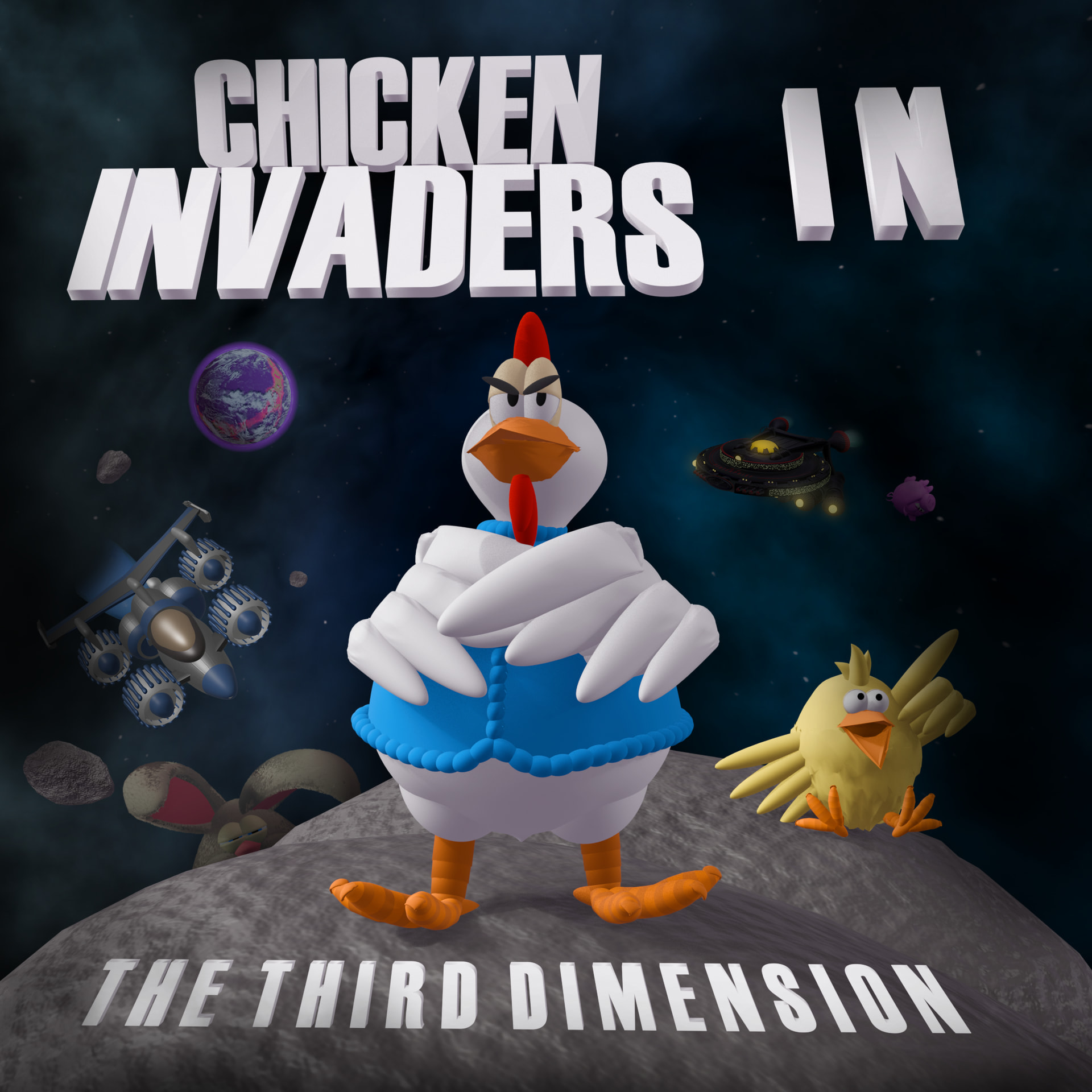
These models were only know in the forum so why not expand? And with that, there may be some encouragement to even spread Chicken Invaders outside of forum!
And that’s it for now.
nice Pinanas :3

the galaxy :3
thats nebula the most complex process of modelling
Actually there’s barely any modelling in the process, it’s all in the shading workspace, and of course I used the game sprites to make the colors. There’s another way to make the neblas but it won’t work well with stars.
Also currently most of the nodes I set to the nebula was for just changing the texture but nothing worked currently.
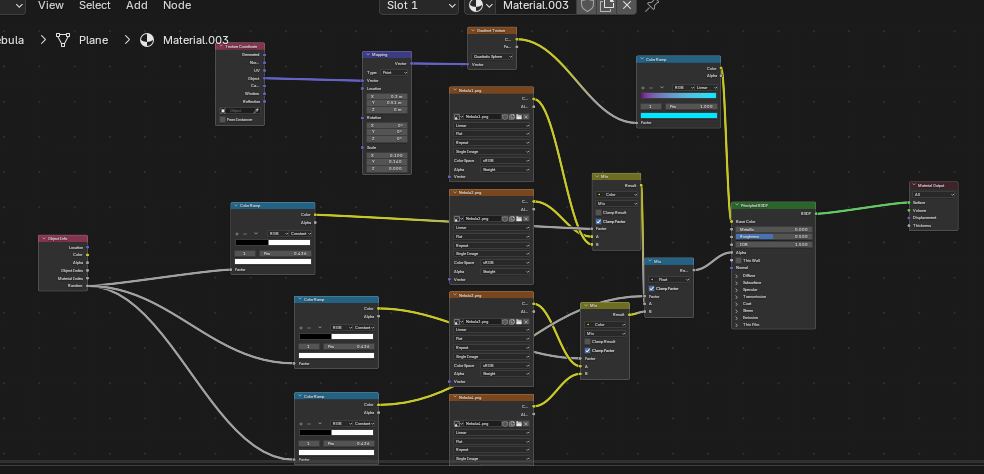
This is one of 2 issues I currently have, the second one is to make the nebulae, stars use additive blending like in game.
If anyone knows how to fix these issues, let me know!
The galaxy model is finally here!
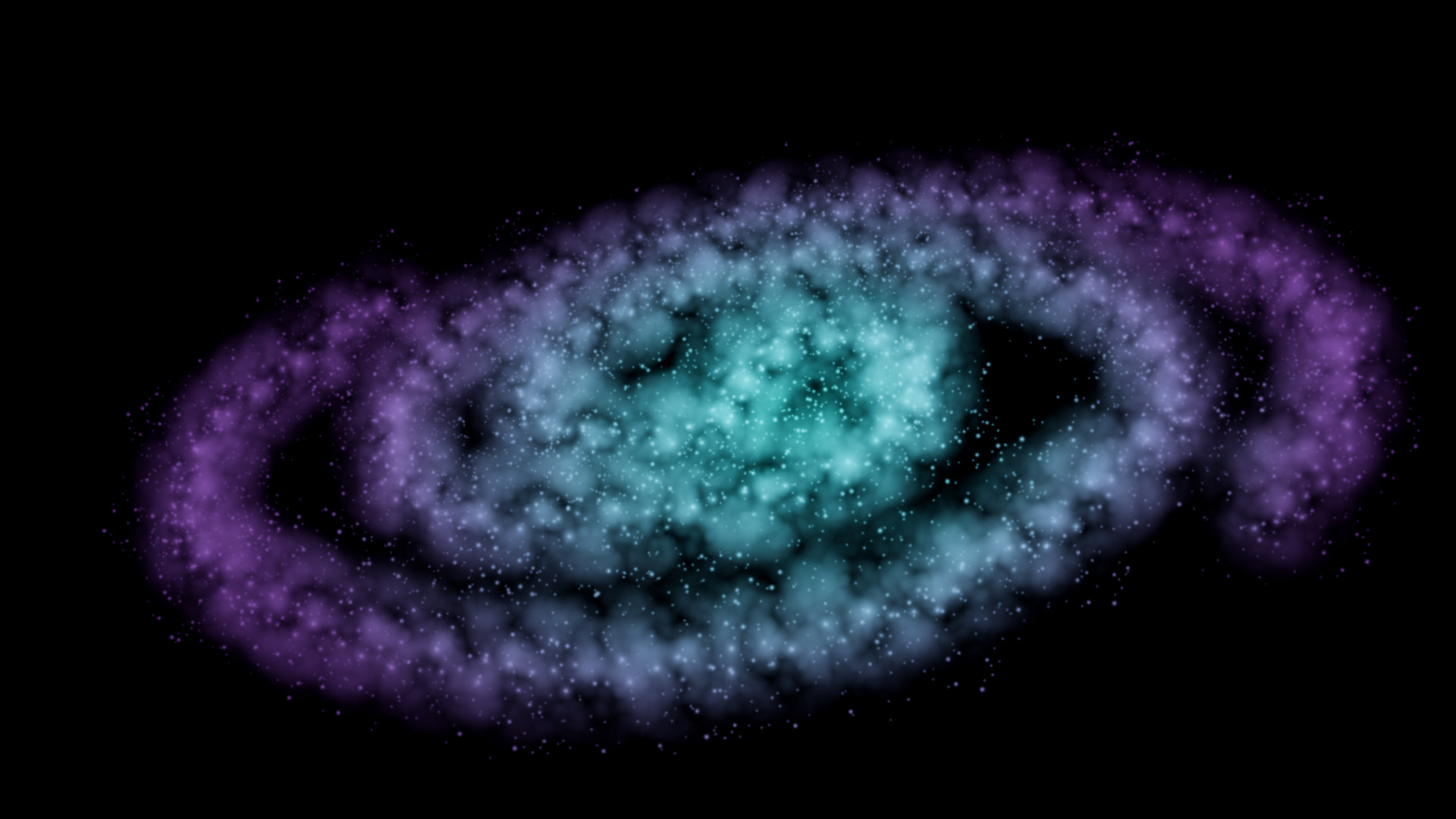
Finally it’s done! It took some time but here it is… with the same issues. I set up a system to randomize the textures but somehow..
It doesn’t work. I set everything right but no thing work, the second thing I talked about before is alpha blending.
It kinda worked automatically somehow not sure what’s the cause but that’s ok, also this model is the only one that I have to make not transparent in the final render, that what happens when I render it with transparency and then add a background:
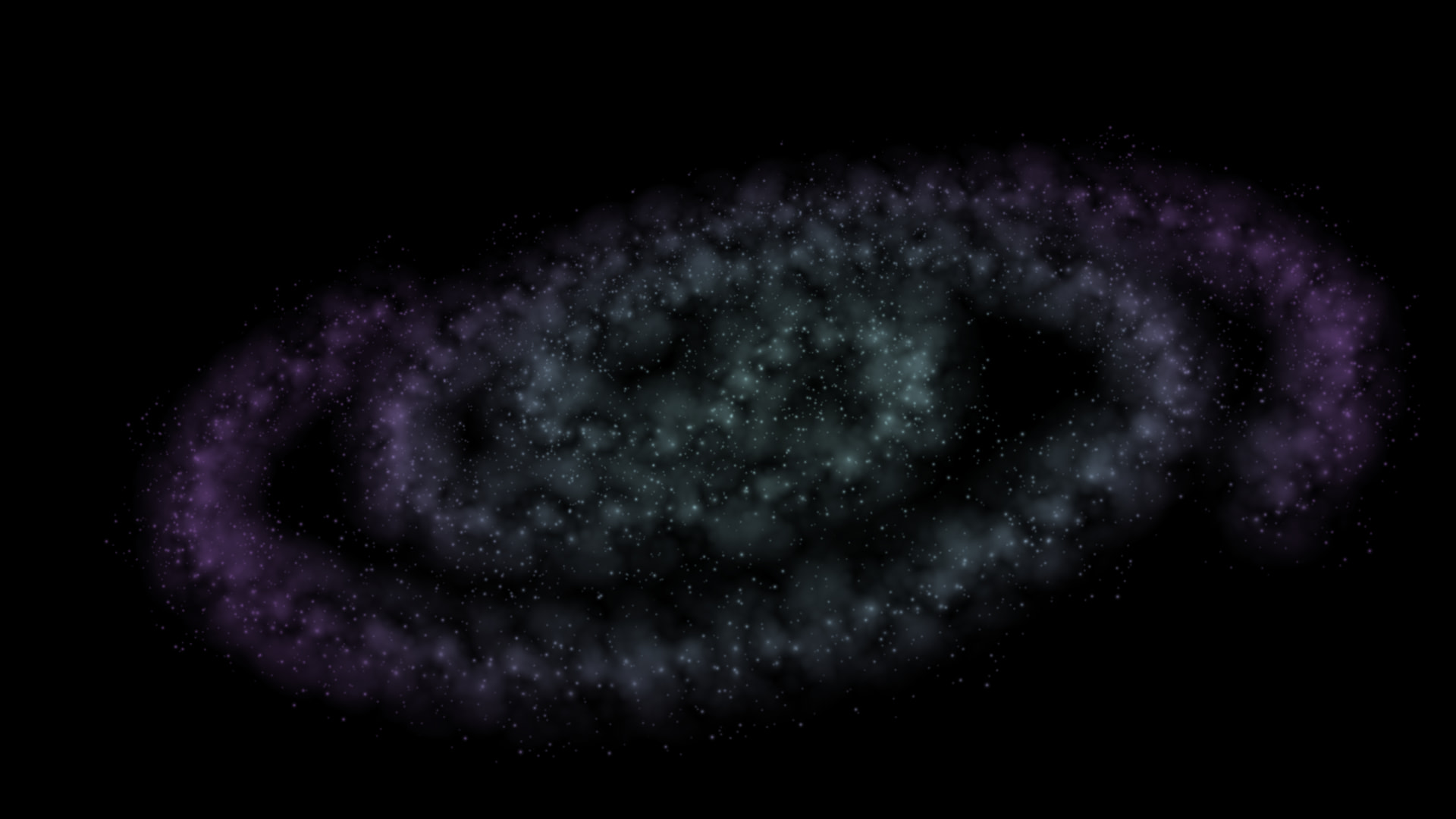
However this model really opened possibilities like how the colors will spread alongside a bunch of objects or even make them 2D! Yes, all this time I’m using game sprites to make the galaxy.
But at the bright side, You can make custom galaxies!
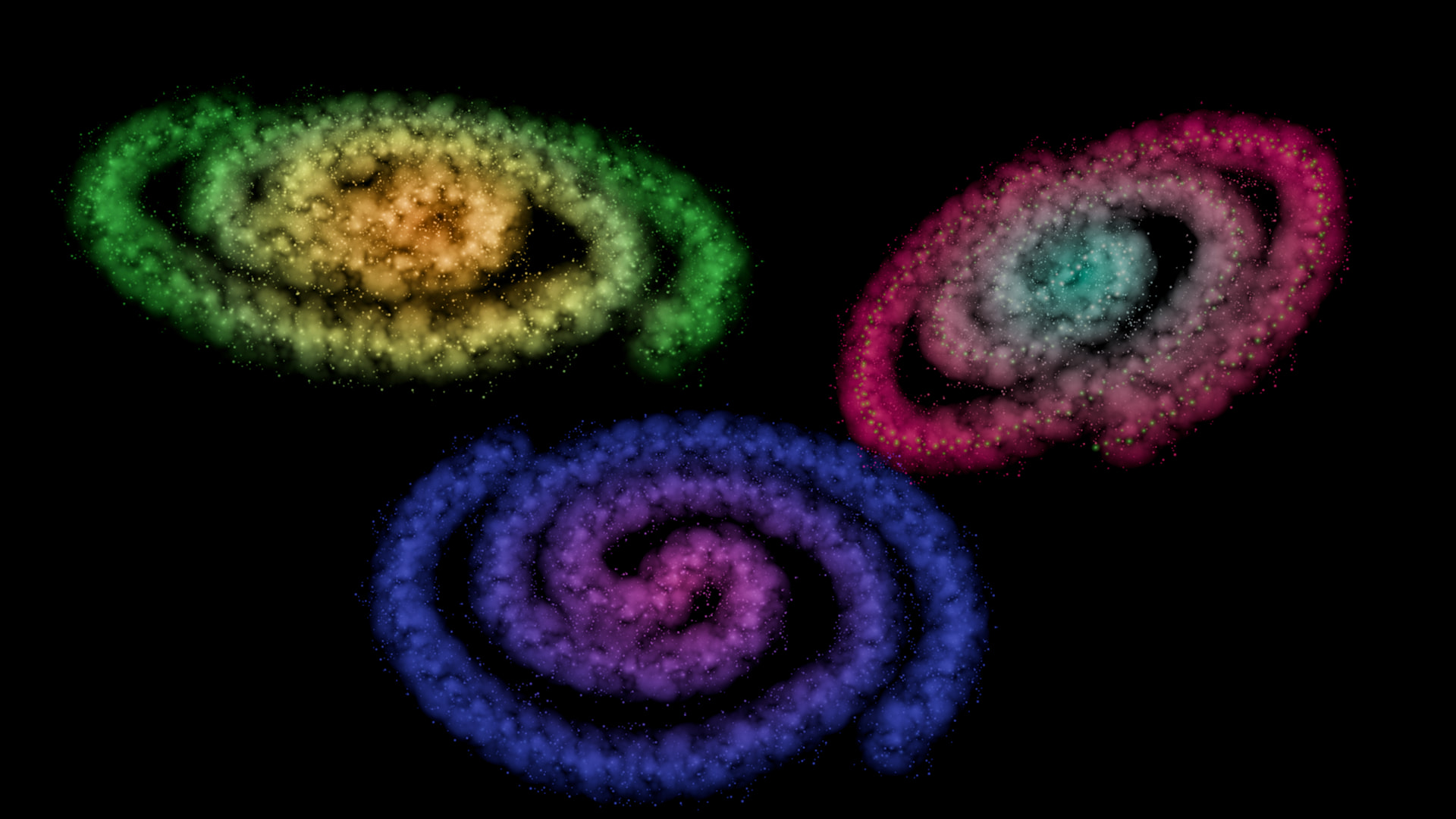
Also, you can customize stars and nebulae separately. I wished I could make them use the same color ramp but they’re different objects so…
And that’s it for the galaxies. There are other stuff in the updated zip like updated planets and even CI2 Piggly model!
That’s it and…
Thanks for Reading!
its nice pinanas :3
the topic is upgraded :3